
Steve Jobs, the visionary behind Apple, once said, "Design is not just what it looks like and feels like. Design is how it works."
In the solar industry, this philosophy rings especially true. Design is about more than aesthetics; it’s about ensuring optimal performance. When laying out solar panels, precision is essential. A single misplaced panel can lead to wasted energy and disappointed customers.
Solar professionals encounter challenges like optimizing sunlight exposure and managing shading and roof angles. Mistakes in these areas can be costly, affecting both time and money. In such a competitive market, there’s no room for errors.
That’s where Solar Design Software steps in. It automates complex calculations, helping you create efficient, accurate layouts quickly. But with many choices available, which one is right for you? Let’s see the best options to get your solar designs just right!
Key Takeaways
- Why Accurate Solar Panel Layouts Matter: Optimize energy, reduce costs, improve customer satisfaction, minimize maintenance, etc.
- Key Features of Solar Design Software: 3D modeling, shading analysis, energy forecasting, performance estimates, custom layouts, compliance, and integration.
- 3. Criteria for Choosing Solar Design Software: User-friendly, scalable, integrates well, cost-effective.
- Best Solar Design Software: Sunbase, Aurora, HelioScope, OpenSolar.
- Sunbase Solar Design Software delivers accurate and efficient solar layouts with features like 3D modeling, shading analysis, energy forecasting, etc.
Ready to spend less time fixing layouts and more time closing projects?
The difference between an average solar proposal and one that wins the project often comes down to the design. When your layouts are accurate, your energy estimates are reliable, and your visuals inspire confidence, customers say "yes" faster.
That's exactly what the right solar design software should help you achieve. See how Sunbase Solar Design Software combines intelligent design tools, shading analysis, 3D modeling, and proposal-ready outputs to help you create better solar projects from the very first draft. Explore the features and discover what smarter solar design looks like.
Best
Solar Design Software for Accurate PV Layouts
Every solar installation begins with a design, and that design determines everything that follows, from energy production and customer satisfaction to installation costs and long-term system performance.
Yet many installers still spend hours adjusting panel layouts, fixing shading issues, and reworking proposals because they're using the wrong solar design software.
The best solar design software does far more than draw panel layouts. It helps you create accurate PV designs, analyze shading, forecast energy production, generate professional proposals, and move projects from design to installation much faster. But with so many solar panel design software solutions available, choosing the right one isn't always easy.
In this guide, we'll compare the best solar design software platforms, highlight their strengths and limitations, and help you find the solution that best fits your workflow and business goals.
Why Do Accurate Solar Panel Layouts Matter?
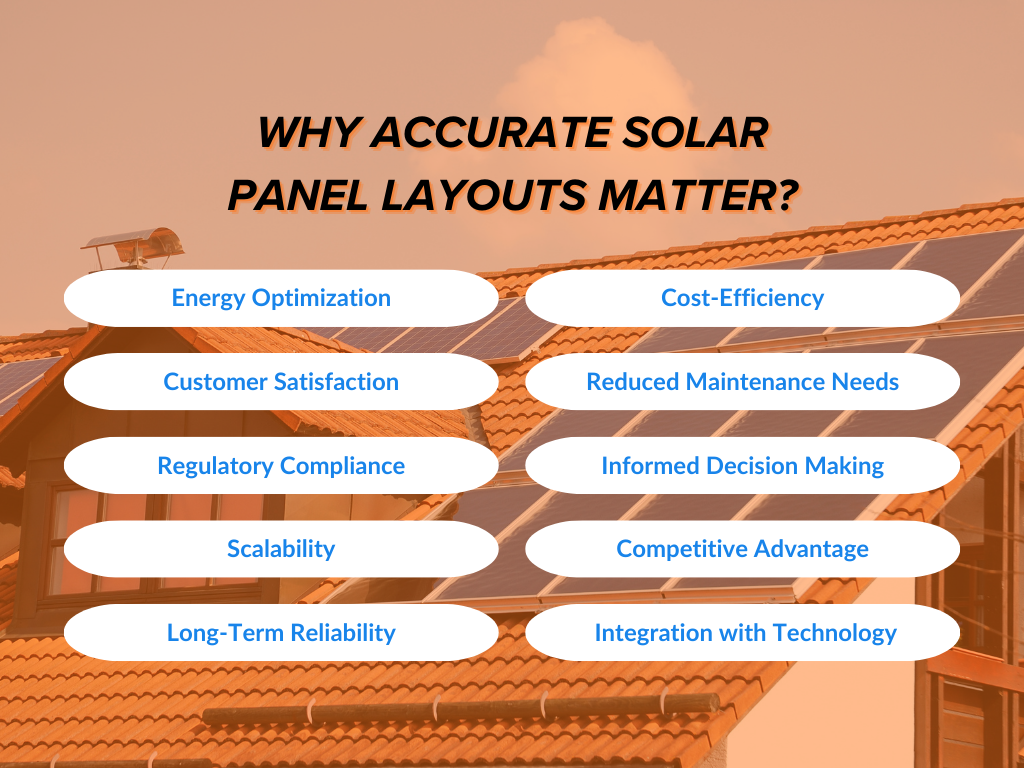
Accurate layouts don't just improve energy production; they also strengthen proposal and estimation accuracy, giving customers realistic savings projections and helping sales teams build greater confidence during every presentation.
1. Energy Optimization
Are your solar panels perfectly positioned to capture every ray of sunshine? Accurate layouts maximize energy output, ensuring your customers get the most from their solar systems and enhancing your solar business.
2. Cost-Efficiency
As you manage your budget, you might wonder, “How can I avoid unnecessary expenses?” Well, precise designs reduce waste and errors, helping solar companies keep costs low and profits high, especially in their solar projects.
3. Customer Satisfaction
Consider your clients for a moment: What do they truly expect from their solar systems? Providing reliable energy projections builds trust, leading to happy customers who are likely to recommend your solar services and boost your solar business.
4. Reduced Maintenance Needs
Want to minimize future issues with your solar systems? Thoughtful layouts can help prevent shading and other problems, resulting in lower maintenance costs for solar installers.
5. Regulatory Compliance
Navigating local regulations can be tricky. How do you ensure compliance without headaches? Well-designed layouts help your solar projects meet necessary codes, protecting your solar company from penalties.
6. Informed Decision Making
In today’s competitive landscape, are you making choices backed by solid data? Accurate layouts provide valuable insights that empower solar installers to make strategic decisions, keeping your solar business ahead of the curve.
7. Scalability
Every solar company dreams of growth. Is your business prepared to expand? Accurate layouts simplify the process of taking on new commercial solar projects without sacrificing quality.
8. Competitive Advantage
In a saturated market, standing out is essential. You might wonder, "What differentiates my solar business from the rest?" Companies known for precision in solar design tend to attract more clients and establish a strong foothold.
9. Long-Term Reliability
When clients invest in solar systems, they want to know, 'Will these designs stand the test of time?' Accurate layouts contribute to ongoing efficiency, delivering long-term returns on investment for your solar projects.
10. Integration with Technology
As solar software continues to evolve, consider this: Are you using the latest tech effectively? Well-designed layouts enhance the integration of new technologies, optimizing your project execution.
Key Features of Solar Design Software for Accurate Solar Panel Layouts
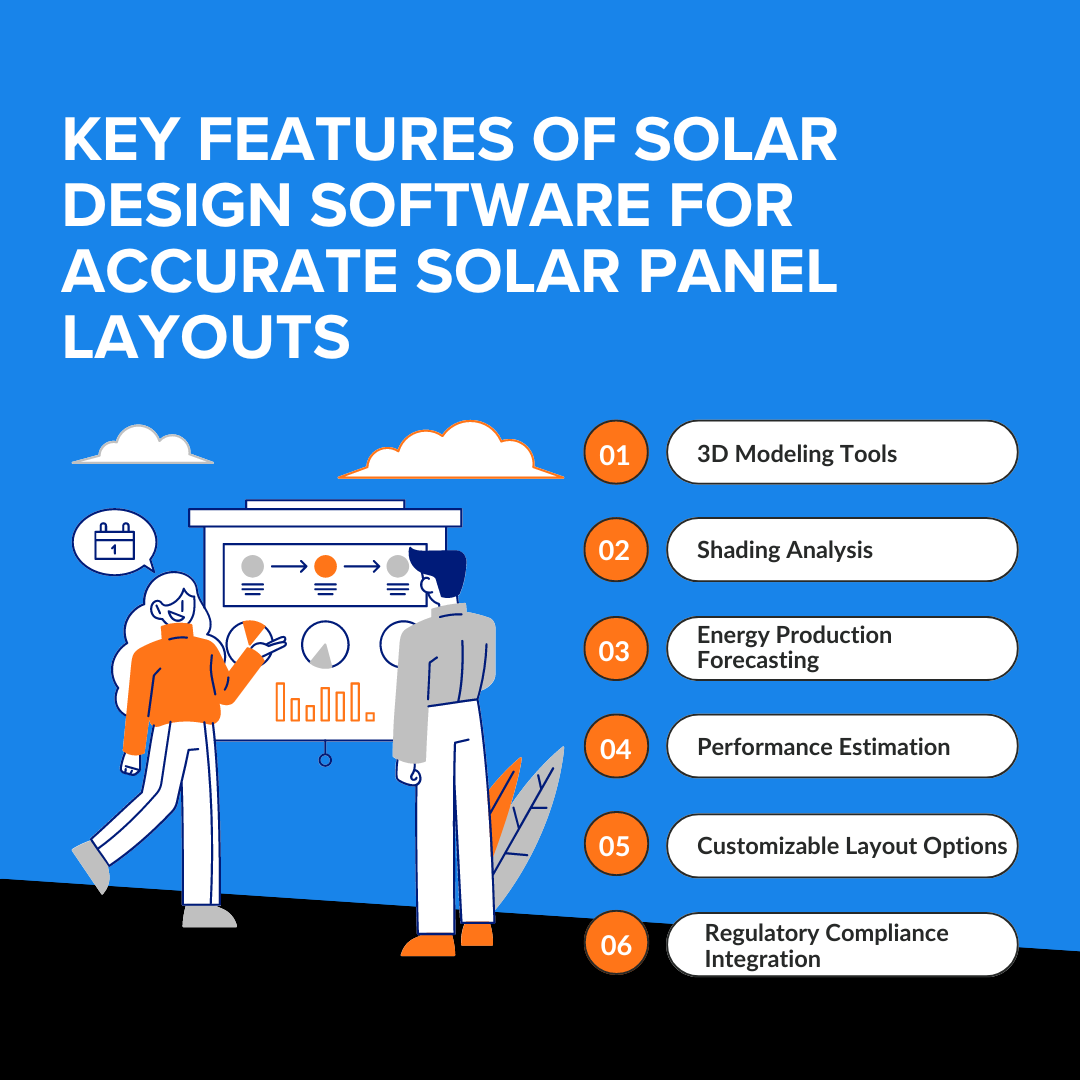
1. 3D Modeling Tools
These tools visualize solar panel arrangements, helping the sales team identify optimal placements to maximize energy production, resulting in accurate and efficient layouts.
2. Shading Analysis
Detects potential shading from trees or buildings, ensuring panels are placed in areas with maximum sunlight exposure, which prevents energy losses and contributes to an efficient layout.
3. Energy Production Forecasting
Predicts the system’s energy output based on panel orientation and location. This allows the sales team to adjust the layout to meet client energy needs accurately and efficiently.
4. Performance Estimation
Evaluates local climate conditions and panel angles, ensuring the layout is optimized for maximum energy production, thus enhancing overall efficiency.
5. Customizable Layout Options
Allows the sales team to create tailored solar panel arrangements for different roof types. This flexibility ensures maximum sunlight capture, resulting in accurate and efficient solar panel layouts and exceptional PV designs.
6. Regulatory Compliance Integration
Automating local regulation checks ensures that solar panel layouts are created with compliance in mind, enhancing their accuracy. This leads to efficient designs that can be executed promptly without legal setbacks.
What are the Criteria for choosing the Right Solar Design Software?
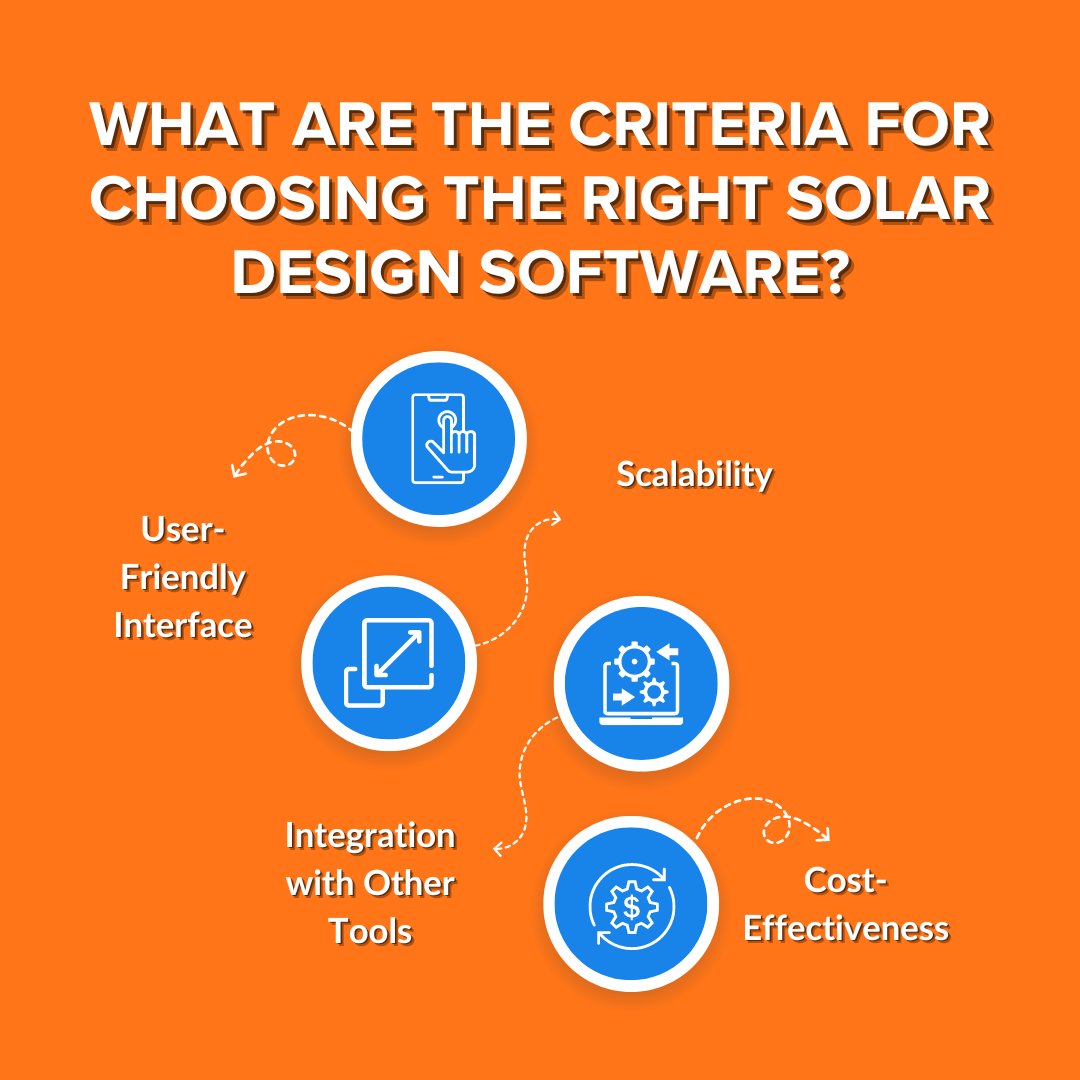
Choosing the right solar design software goes beyond comparing feature lists. The ideal solution should help you create accurate PV layouts, streamline proposal and estimation, and integrate seamlessly with the tools your business already relies on, such as CRM software, project management software, and solar proposal software. Here are the key criteria to consider before making your decision.
1. User-Friendly Interface
A powerful platform should also be easy to use. Look for solar design software with an intuitive interface, drag-and-drop functionality, and a minimal learning curve. When designers and sales teams can quickly create layouts without extensive training, projects move faster, errors decrease, and overall productivity improves.
2. Comprehensive Design Features
The best software for design should offer more than basic panel placement. Essential capabilities include 3D modeling, shading analysis, energy production forecasting, performance simulations, roof measurements, and customizable PV layouts. These features help installers create accurate designs that maximize energy production while minimizing costly revisions.
3. Integration with Other Business Tools
Your design software shouldn't operate in isolation. Choose a solution that integrates with CRM software, project management software, and solar proposal software. Connected systems eliminate duplicate data entry, improve collaboration between sales and operations teams, and keep project information synchronized from the first customer inquiry through installation.
4. Proposal and Estimation Capabilities
Accurate proposal and estimation tools are just as important as accurate designs. The right platform should automatically generate professional proposals with system specifications, projected energy production, equipment lists, savings estimates, and pricing. This helps sales teams present more compelling proposals while reducing manual work and calculation errors.
5. Scalability
As your solar business grows, your software should grow with it. Whether you're expanding from residential installations to commercial projects or hiring additional designers and sales representatives, your solar design software should support larger project volumes without sacrificing speed or performance.
6. Cost-Effectiveness
Price shouldn't be the only deciding factor. Instead of choosing the cheapest solution, evaluate the overall value it delivers. Consider the features included, automation capabilities, integrations, customer support, and potential time savings to determine whether the software provides a strong long-term return on investment.
7. Customer Support and Regular Updates
Even the best software requires reliable support. Look for vendors that provide responsive customer service, onboarding assistance, product documentation, training resources, and frequent feature updates. Regular improvements ensure your solar design software keeps pace with changing industry standards, regulations, and customer expectations.
Best Solar Design Software
1. Sunbase Solar Design Software
Sunbase solar design software simplifies the process of designing solar systems. It empowers solar professionals to create stunning, accurate, and precise photovoltaic layouts quickly that resonate with clients.
Features:
- 3D Modeling: Create clear 3D views to generate exceptional PV designs.
- Shading Analysis: Identify shadows to maximize sunlight.
- Energy Production Forecasting: Predict energy generation, enhancing your solar proposals with savings insights.
- Performance Estimation: Assess system performance in different conditions.
- Regulation Compliance: Ensure designs meet local building codes.
- Customizable Layout: Tailor designs to customer preferences.
- Integration with CAD: Easily save solar designs for proposals and export to CAD for professional drawings that enhance client understanding.
Benefits:
- Automates tasks, saving time and reducing errors.
- Provides tools for precise energy calculations and design optimizations.
- Speeds up project turnaround, leading to happier customers.
Drawbacks:
New users may take time to learn how to use all the features.
Integration:
Seamlessly integrates with project management, solar proposal, and CRM.
Scalability:
Works well for small and large businesses, allowing easy growth.
Affordability:
Offers a good mix of cost and functionality for various business sizes.
User-Friendly:
Easy to use, making navigation simple and improving user experience.
2. Aurora Solar Design Software
Aurora Solar Design Software makes designing solar systems so easy. It empowers users to create accurate and efficient solar panel layouts while enhancing sales proposals, streamlining the entire solar sales process. It's a go-to tool for solar professionals looking to impress clients with stunning designs.
Aurora combines advanced software for design with proposal-generation capabilities, making it a strong choice for companies looking to improve both technical accuracy and customer presentations.
Features:
- AI-assisted 3D modeling: Use computer vision to create 3D models of a site, capturing obstructions like skylights and vents.
- Shading Analysis: Incorporates accurate shade data using LIDAR technology.
- System design: The AutoDesigner tool automatically places solar panels and components on roofs based on user settings, ensuring efficient layouts.
- Performance Simulation: Accurately predicts solar panel performance using verified data, factoring in shading and temperature.
Benefits:
- Smart roof and auto-detection of obstructions and trees.
- Sun path simulators and irradiance maps clarify design choices.
- Use satellite imagery to assess a site without visiting it.
Drawbacks:
- No free trial option.
- Subscription costs may hurt cash flow for smaller companies.
Integration:
Works well with Google Street View and utility data for better management.
Scalability:
Supports small to large projects, allowing growth without platform changes.
Affordability:
It can be tough for smaller installers with a very tight budget.
User-Friendly:
Easy to use, with a simple 3D design for quick edits.
3. HelioScope
HelioScope, created by Folsom Labs, is a powerful solar design tool that speeds up the design and engineering of solar power systems. It claims to make the solar design process 5 to 10 times faster, making it suitable for both beginners and experts.
Features:
- Solar Panels Layout: Design custom solar panel setups to maximize efficiency and aesthetics.
- Shading Analysis: Check for shading issues from nearby objects to ensure panels get maximum sunlight.
- CAD Tools: Export designs to CAD for precise drawings, making collaboration with other professionals easier.
- Solar Energy Estimates: Simulate energy production to evaluate project feasibility and savings.
- 3D Design: Visualize solar installations in 3D to better understand how they fit in the space and to present to clients.
- 45,000 Component Library: Offers a selection of solar equipment, making it easy to choose compatible parts for efficient panel layouts.
Benefits:
- Generates Fast Solar Designs.
- Offers new users a free trial.
- Estimates are accurate.
Drawbacks:
- Learning curve: Some say that HelioScope has a steep learning curve.
- Lacks features for utility-scale projects:
Integration:
It seamlessly integrates with tools like Nearmap for enhanced imagery.
Scalability:
Grows with your business, offering unlimited designs and user-based pricing for teams of all sizes.
Affordability:
Affordable for solar installers and companies focused on medium- to large-scale projects.
User-Friendly:
The intuitive drag-and-drop design makes it easy to create with minimal training.
4. OpenSolar
OpenSolar is free software for designing solar energy systems. It allows users to create solar proposals and layouts while offering features for performance analysis and design optimization. It is accessible to everyone, from industry professionals to renewable energy enthusiasts.
Features:
- Built-in CRM: A fully featured CRM enhances designs and proposals by effectively managing customer interactions and preferences.
- Customizable Proposals: Create tailored, interactive proposals online or as PDFs, enhancing client engagement and clarity.
- Premium Imagery & 3D Modeling: Utilize high-resolution aerial images and 3D models for detailed visualizations, improving design accuracy.
- Multi-Device Support: Design and modify solar layouts on any device, enabling real-time adjustments that improve accuracy during client interactions.
Benefits:
- No licensing fees, allowing unlimited projects.
- Offers a 24-hour online support center with resources and best practices to assist both new and experienced solar workers.
Drawbacks:
Requires a stable internet connection for functionality.
Integration:
Integrates with systems via APIs for seamless data synchronization, connecting tools like CRMs and financial platforms to enhance efficiency.
Scalability:
Suitable for small installers and large enterprises.
Affordability:
Free of cost.
User-Friendly:
Designed to simplify solar PV system design for users of all skill levels
Conclusion
I catch the sun but need the right angle,
Without a good layout, my light will dangle.
What am I in your solar system, bright and smart?
The answer: An accurate and efficient solar panel, playing its part!
But how do you ensure your panels are perfectly positioned for maximum energy production? The answer: The Right Solar Design Software.
With top-tier solutions like Sunbase, HelioScope, OpenSolar, and Aurora Solar, you can design layouts that optimize panel placement using advanced 3D modeling and shading analysis, etc. These tools enable the creation of accurate and efficient solar panel layouts, maximizing energy production.
The result? A solar system that operates at peak performance, transforming sunlight into significant savings.
So, pick the software that fits your needs best, and watch your solar projects outshine the rest!
With Sunbase solar design software, create stunning and precise layouts that not only meet your client's needs but also streamline your workflow.
Book a demo today and see how Sunbase can help you design smarter, close deals faster, and scale your solar business with confidence.
Frequently Asked Questions
Q1. Is the layout of solar panels really that important for energy efficiency?
Yes, the layout is very important. A well-designed arrangement maximizes sunlight exposure, which directly affects energy output. Proper placement ensures minimal energy loss, leading to better performance of the solar system.
Q2. Could the way solar panels are arranged really influence how much one saves on their electric bill through maximized energy production?
Absolutely! A smart layout of solar panels boosts energy production, which can lower electric bills. By optimizing sunlight exposure and reducing shading, the system runs more efficiently.
Q3. What are the top solar design software tools with built-in shading analysis?
Several solar design platforms include built-in shading analysis tools that help installers evaluate how nearby objects affect solar energy production. Popular options include Aurora Solar, Sunbase, HelioScope, OpenSolar, PV*SOL, and PVsyst. These platforms use 3D modeling and simulation to analyze shading from trees, buildings, and roof structures so installers can optimize panel placement and improve energy yield predictions.
Q4. Why Is 3D Modeling Essential for Accurate Solar Panel Layout Design?
3D modeling helps solar designers create precise panel layouts by simulating real-world conditions such as roof structure, tilt, and shading from nearby objects. This allows for optimal panel placement and better sunlight exposure. As a result, it improves energy production estimates, reduces design errors, and minimizes on-site adjustments during installation.
Q5. Can Solar Design Software Automatically Generate BOMs and Professional Solar Proposals?
Yes, modern solar design software can automatically generate a Bill of Materials (BOM) and professional project proposals. Once the system is designed, the software compiles required components like panels, inverters, and mounting structures into a detailed BOM. It can also create client-ready proposals with system details, energy estimates, and financial projections, saving time and reducing manual errors.
One Platform.
Zero Chaos.
Run Your Entire Business in One Platform
Sunbase replaces your CRM, proposals, scheduling, job tracking, and reporting tools — all inside one clean, connected platform.
About Sunbase
The All-In-One Platform to Run Your Entire Business
Sunbase helps you organize operations, streamline daily workflows, and manage everything - from first customer contact to final project deliver- in one connected system.
Our Mission
- Organize your business.
- Optimize your workflow.
- Automate your dailytasks
Why Businesses Choose Sunbase
One Connected Workflow
Replace scattered tools and manual processes with a single platform that brings together your team, tasks, customers, jobs, and performance data.
🌎 Global Presence
Serving the United States, Canada, India, LATAM, Australia, and 10+ international markets.
👥 11,000+ Users
Trusted by contractors, installers, project managers, sales teams, and field technicians.
🏗️ Built for All Sizes
From small contracting teams to fast-growing enterprises, Sunbase adapts to your workflow.
Stop Managing Your Business Manually. Automate It.
Sunbase automates workflows, reduces mistakes, and helps your team get more done - without hiring extra staff or juggling multiple tools.
Still Managing Your Business Across Multiple Tools?
Bring your CRM, proposals, projects, and operations into one platform built for contractors.