
Audio overview: Listen & Learn
If you're trying to choose solar software in the UK, then you already know it's no longer a choice, especially in 2026 and onwards.
For UK installers, it has become a business-critical decision that affects design accuracy, close rates, customer trust, and long-term scalability.
Most installers already use multiple tools, a design platform, one or more inverter apps, spreadsheets for quotes, and PDFs stitched together for customers.
>> On paper, this might look workable, but in practice, it introduces risk, rework, and lost confidence at exactly the stage where buyers expect clarity.
This guide is written for installers who want clear, practical guidance. It explains what solar software should realistically support in 2026, and how to evaluate tools based on installation requirements.
Solar Software UK: What Installers Should Actually Look For in 2026
In 2026, UK solar installers need software that goes beyond basic design or monitoring.
Many tools still rely on separate systems, requiring installers to manage design, quotes, and reports using multiple tools.
Modern solar software should integrate PV design, forecasts, reporting, and workflows into a single, reliable process.
And as an installer evaluating options, you should prioritise accuracy, UK-specific modelling, scalability, and long-term data reliability
Key Takeaways
- Solar software in 2026 is a workflow decision, not a feature decision: UK installers need systems that connect design, forecasting, quoting, reporting, and compliance in one continuous flow.
- Accuracy drives trust and close rates: Location-based weather data, shading precision, export limits, and UK-specific roof modelling directly influence proposal confidence and customer approvals.
- Disconnected tools create silent risk: When design, finance, and reporting live in separate systems, assumptions drift, revisions multiply, and customer confidence weakens.
- Battery, EV, and heat pump modelling must be integrated from day one: Modern UK installs require combined system modelling, not bolt-on calculations added later.
- Choosing software is choosing future operational stability: The best systems reduce friction across projects and remain dependable as regulations, grid rules, and customer expectations evolve.
2026 Will Reward the Right Systems
As UK installers face tighter margins, evolving regulations, and higher customer expectations, choosing software that supports real-world workflows matters more than ever.
Solar CRM software helps installers stay efficient, compliant, and responsive as the market changes. Book a demo to see it in action.
Why Choosing Solar Software in the UK Is Harder in 2026?
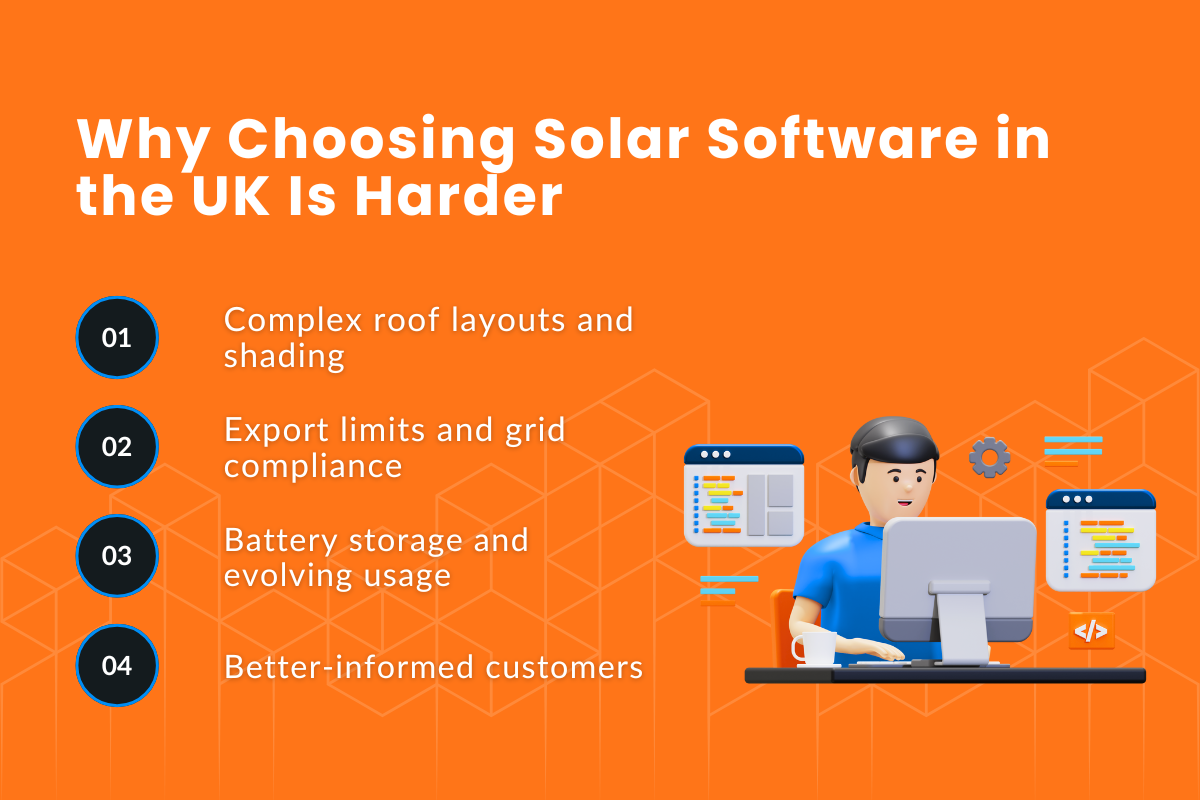
Solar installations have become more complex over the past few years. Installers are no longer working only with simple rooftop layouts.
Projects now involve:
- complex roof structures
- shading from nearby buildings or trees
- export limits and grid requirements
- battery storage and changing energy usage patterns
At the same time, customers are more informed. They compare quotes carefully and expect projections supported by clear data.
1. Feature Lists Don’t Reflect Real-World Performance
Many tools advertise similar features: 3D design, shading, reports, and monitoring. But features don’t tell you:
a) how accurate the model is
b) how reliable the data source is
c) How much manual work is required to get a usable quote
In reality, installers often discover limitations only after projects are underway, when forecasts don’t match performance, or reports confuse customers.
2. What UK Installers Need From Solar Software Today
The most important factor is consistency. Software should reliably handle UK-specific roof details, shading conditions, location accuracy, grid constraints, and changes in energy usage.
What Counts as “Solar Software” in 2026 (And What It Should Cover)?
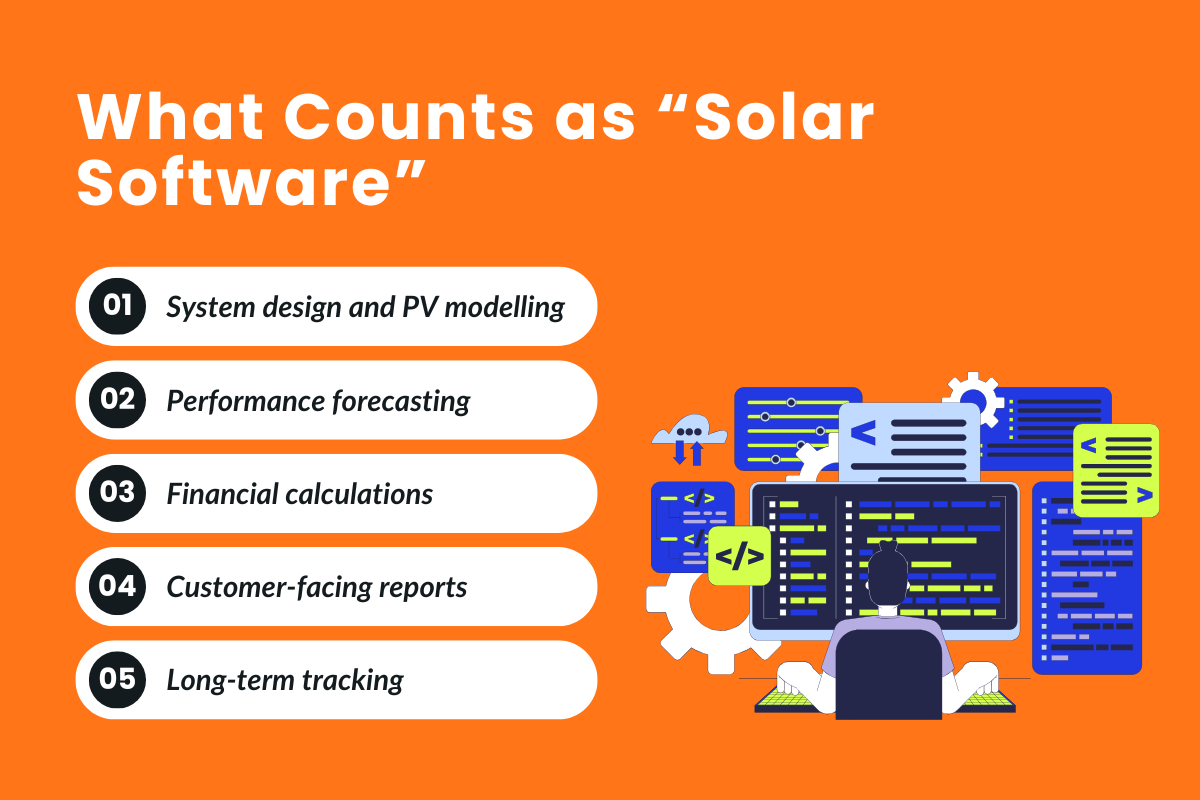
Solar software now covers more than design or monitoring. In 2026, it should support the full PV system process, including:
- system design
- performance modelling
- financial calculations
- customer-facing reports
- long-term performance tracking
> Solar Design Software vs Monitoring vs Sales Tools
Most installers use different categories of software for different stages of a project:
- Design software to model the PV layout, roof geometry, shading, and expected output
- Monitoring platforms (often provided by inverter or battery manufacturers) to track system performance after installation
- Sales and quoting tools to generate proposals, financial summaries, and customer-facing documents
Used independently, these tools solve individual problems well. The issue appears when data needs to move between them.
While design assumptions may not carry through to quotes, monitoring data often lives in separate platforms that are not linked back to the original system model.
In the UK, many installations rely on monitoring platforms tied to hardware ecosystems, such as the SolarEdge Monitoring Platform, Enphase Enlighten, or SMA Sunny Portal.
Alongside these, independent platforms like OpenSolar, HelioScope, and Solar-Log are used for design or monitoring, depending on project size and complexity.
> Why End-to-End PV System Coverage Matters
Using a single PV model across design, forecasting, and reporting keeps assumptions consistent throughout the project lifecycle.
In practical terms, this means:
- The roof layout used in the design matches the one used for yield estimates
- Shading assumptions remain consistent across forecasts
- Finance analysis is based on the same system configuration shown to customers
When tools are not connected, installers often have to manually align figures between platforms. This increases the risk of small discrepancies that can create confusion during quoting, commissioning, or post-install conversations.
> How Modern Solar Software Connects Design, Quotes, and Reports
Modern solar software is built around a shared data model rather than separate modules.
Key characteristics of this approach include:
- a single PV model used across design, quotes, and reports
- automatic updates to forecasts and financial outputs when designs change
- consistent data flowing into customer-facing PDFs and reports
Instead of re-entering information or exporting files between tools, installers can review and adjust projects within one system.
This reduces manual work, shortens turnaround time, and makes it easier to explain results to customers.
>> By keeping design, finance analysis, quotes, and reports aligned, installers can move through projects more efficiently while maintaining confidence in the numbers.
UK-Specific Factors That Solar Software Must Handle Well
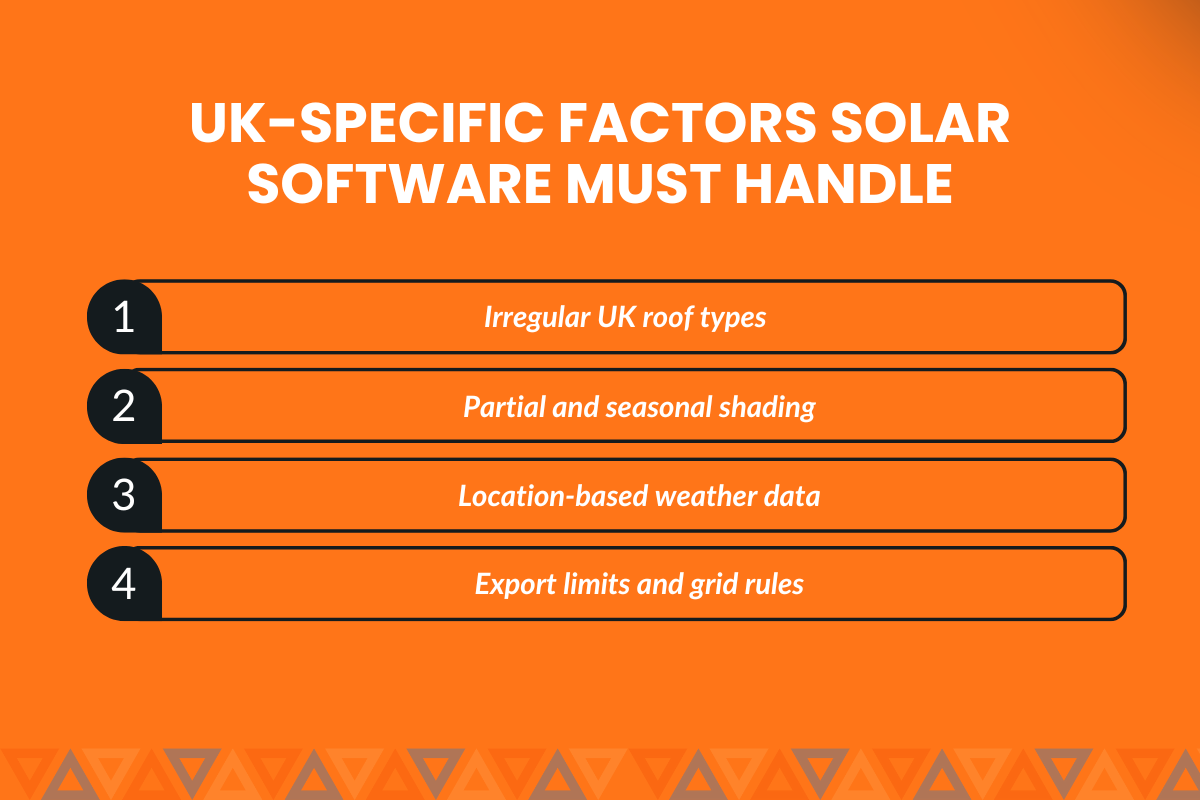
UK installations come with conditions that directly affect system performance, compliance, and customer expectations. Software that performs well in other regions may still fall short if it does not properly account for these factors.
This section breaks down what UK installers should actively check, and why each point matters during design, quoting, and long-term system performance.
1. UK Roof Types, Shading Conditions, and Planning Constraints
UK housing stock is varied, with a mix of terraced homes, semi-detached properties, flats, and older buildings. Roofs often include multiple planes, dormers, and chimneys, as well as irregular shapes that limit usable space.
From a design perspective, software should allow installers to:
- define usable roof areas precisely
- account for partial shading from neighbouring buildings or trees
- model multiple roof faces within a single system
If the roof detail is simplified or assumed, system size and yield estimates can be overstated. This often leads to adjustments later in the sales process, which can reduce customer confidence.
2. Why Location-Based Accuracy Is Non-Negotiable
Solar output in the UK is highly dependent on location-specific weather patterns. Coastal areas, urban environments, and rural regions can experience different irradiance levels and cloud cover, even within short distances.
Software should use location-based weather data rather than broad regional averages. This improves the reliability of PV models and helps installers explain why two nearby projects may still have different performance estimates.
For customers, this level of accuracy supports clearer expectations around seasonal generation and annual energy output.
3. UK Grid Rules, Export Limits, and Compliance Considerations
UK grid requirements influence how systems are designed and configured. Export limits, inverter behaviour, and compliance standards affect both system performance and approval timelines.
Solar software should help installers:
- design systems that reflect export constraints
- understand how inverter settings affect usable generation
- avoid manual adjustments late in the process
When grid considerations are handled during design rather than after quoting, installers can reduce delays, avoid redesigns, and provide more reliable information to customers from the start.
Buyer Checklist #1 — Design Accuracy & PV Modelling
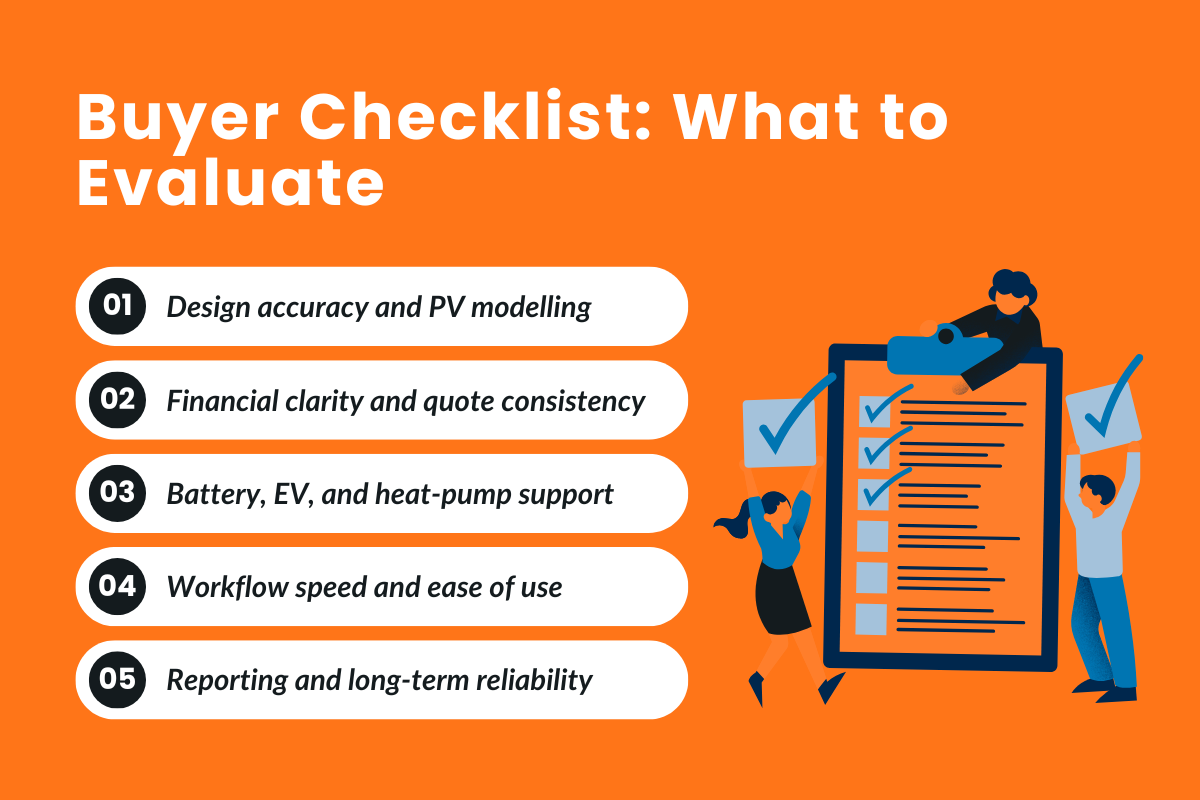
Solar Design accuracy is the foundation of every solar project. If the PV model is wrong at this stage, the impact shows up later as missed expectations, customer follow-up questions, or the need to revise quotes and forecasts.
a) How to Evaluate PV Design Accuracy
Visual layouts are useful, but accuracy depends on how yield is calculated and which data sources are used.
Tools such as PVSOL and PVsyst are widely referenced for detailed simulation because they rely on structured climate datasets and allow shading effects to be modelled using local conditions.
PVSOL, for example, includes pre-loaded climate data from thousands of global locations and supports 2D shading analysis, helping installers assess performance beyond surface-level layouts.
b) Why Shading Analysis and Roof Detail Matter in the UK
Shading directly impacts energy production. Roof orientation, obstacles, and seasonal changes must be reflected in the model to avoid unrealistic forecasts.
c) Using PV Models to Generate Accurate Forecasts
Accurate forecasts rely on reliable PV models combined with high-quality weather data. Some platforms improve forecast accuracy by modelling performance at shorter time intervals.
Forecast accuracy increasingly depends on access to high-resolution weather data. Services such as Solcast provide satellite-based irradiance data for forecasting and monitoring asset performance, with APIs that deliver bankable actuals and forecasts for solar assets.
These datasets are commonly used to reduce forecast error and improve confidence when performance is assessed against weather variability.
Buyer Checklist #2 — Financial Analysis, Quotes & Customer Trust
This is the point where many projects either gain momentum or stall.
Because at this stage, customers are evaluating numbers: expected savings, payback timelines, and how the system fits their actual energy usage. If figures feel unclear or change between conversations, confidence quickly drops.
a) How Financial Analysis Impacts Close Rates
Customers compare quotes side by side, so even small differences in assumptions can raise questions.
This is how it helps:
- It clearly links system size to expected generation
- It shows how savings change over time
- It explains assumptions in a way that customers can follow
When numbers are consistent and well explained, customers spend less time questioning the model and more time deciding.
b) How To Turn PV Designs Into Clear, Accurate Quotes
Issues often start arising when designs and quotes are handled in different tools.
If system capacity, module count, or inverter configuration changes during design, quotes should be automatically updated.
When this does not happen, installers are forced to manually revise documents, increasing the risk of errors.
Software that generates quotes directly from the PV design helps ensure:
- Figures remain aligned across documents
- Changes are reflected immediately
- Installers avoid re-entering data
c) Reports, PDFs, and Data Customers Actually Understand
Customer-facing reports are not technical documents but decision-making tools.
Effective reports:
- Summarise system performance clearly
- Explain financial outcomes in plain terms
- Avoid unnecessary technical detail
When customers can easily understand reports, follow-up questions decrease, and approvals move faster.
Buyer Checklist #3 — Battery Storage & Smart Energy Add-Ons
Battery storage and smart energy technologies directly influence how much on-site energy is generated, how savings are calculated, and how customers evaluate system value.
a) Designing Systems With Battery Storage From Day One
Battery storage changes how energy flows through a PV system. If it is added after the initial design, performance and financial projections often need to be recalculated.
Software should allow installers to:
- Include battery storage during initial system design
- Model charge and discharge behaviour based on usage patterns
- Reflect on how stored energy affects self-consumption and export
Designing with battery storage from the start helps ensure forecasts, savings estimates, and customer expectations remain aligned.
b) Supporting Electric Vehicles and Heat Pumps in One Model
Electric vehicles and heat pumps significantly alter household energy consumption profiles. Ignoring them can result in systems that appear well-sized on paper but underperform in practice.
Installers should check whether the software can:
- Adjust consumption profiles to include EV charging or heat pump demand
- Model how additional loads interact with PV generation and battery storage
- Show customers how usage patterns affect overall system performance
Including these technologies in a single model helps avoid under-sizing and reduces the need for later system changes.
Also, some platforms extend modelling and monitoring by integrating usage data from tools such as the Sense Energy Monitor with Solar, which identifies household consumption patterns.
c) Why Software Must Handle Multiple Energy Combinations
Modern homes increasingly combine battery storage, EVs, and heat pumps. Treating each element separately increases complexity and the risk of inconsistent assumptions.
Solar software should support combined system modelling so that:
- All components are evaluated using the same data and assumptions
- Performance and financial outputs remain consistent
- Installers can clearly explain system behaviour to customers
This approach improves reliability across design, quoting, and long-term performance tracking.
Buyer Checklist #4 — Workflow, Speed & Ease of Use
Workflow quality determines how smoothly day-to-day work moves from first setup to final approval.
Increasing project volume leads to small inefficiencies that compound quickly. Over time, this limits how much work a team can complete without adding pressure or delays.
a) How Ease of Use Affects Time Per Project
Ease of use is less about appearance and more about flow. Teams should be able to move from one stage to the next without losing context or recreating information.
When evaluating platforms, look for the ability to:
- Move through projects without jumping between separate screens
- Update changes once and see them reflected everywhere they are needed
- Reduce repeated entry during revisions
Clear workflows help teams spend less time managing solar project software and more time reviewing work and responding to enquiries, rather than manually reconciling data across steps.
b) Access Control, Live Updates, and Collaboration
As teams expand, multiple people often need to work on the same project.
A practical platform should support:
- Role-based access, so responsibilities are clear
- Shared views that reflect the latest changes
- Real-time updates that reduce version confusion
Without this structure, teams may work from outdated versions, leading to avoidable errors or rework.
c) Identifying Friction During Everyday Use
Some platforms appear comprehensive in terms of features but introduce friction during regular use.
Common warning signs include:
- Slow loading or update delays during revisions, which increase processing times
- Limited ability to reuse existing project information
- Added complexity that does not improve day-to-day output
A balanced approach prioritises reliable workflows over unnecessary complexity, helping teams maintain steady throughput as demand grows.
Buyer Checklist #5 — Reporting, Data & Long-Term Reliability
Long-term reliability is often overlooked during software evaluation because it does not affect the first few projects. Its impact becomes visible only after months or years of use.
a) Why Long-Term Reporting Matters
Installation projects generate information that remains relevant well beyond commissioning. Clear historical records make it easier to review past work, answer follow-up questions, and support upgrades or extensions later.
Installers should check whether reports:
- Remain accessible over time
- Stay consistent even as software updates roll out
- Can be regenerated without rebuilding the original project
Reporting tools vary widely in structure and longevity. Software such as PV*SOL and Easy PV can generate professional project documentation, including performance graphs, system specifications, and compliance-ready reports.
In some cases, Easy PV also supports MCS-compliant outputs such as sunpath diagrams and lifetime calculations, which remain useful long after commissioning.
b) Accuracy and Reliability Over Time
Consistency over time depends on how a platform handles updates and historical records.
Questions worth asking include:
- Will older projects continue to display correctly after updates?
- Can historical assumptions be reviewed if questions arise later?
- Is information stored in a structured way rather than scattered across files?
Software that maintains continuity reduces the need to recreate work and helps teams rely on past outputs with confidence.
c) Choosing Software That Scales Without Rework
As installation volume increases, software should continue to perform reliably without requiring process changes.
Signs of a scalable platform include:
- the ability to manage a growing project library
- stable performance as usage increases
- minimal need to migrate or rebuild historical work
Choosing with long-term use in mind helps avoid disruption as operations expand.
How to Compare Solar Software Without Falling for Marketing Hype?
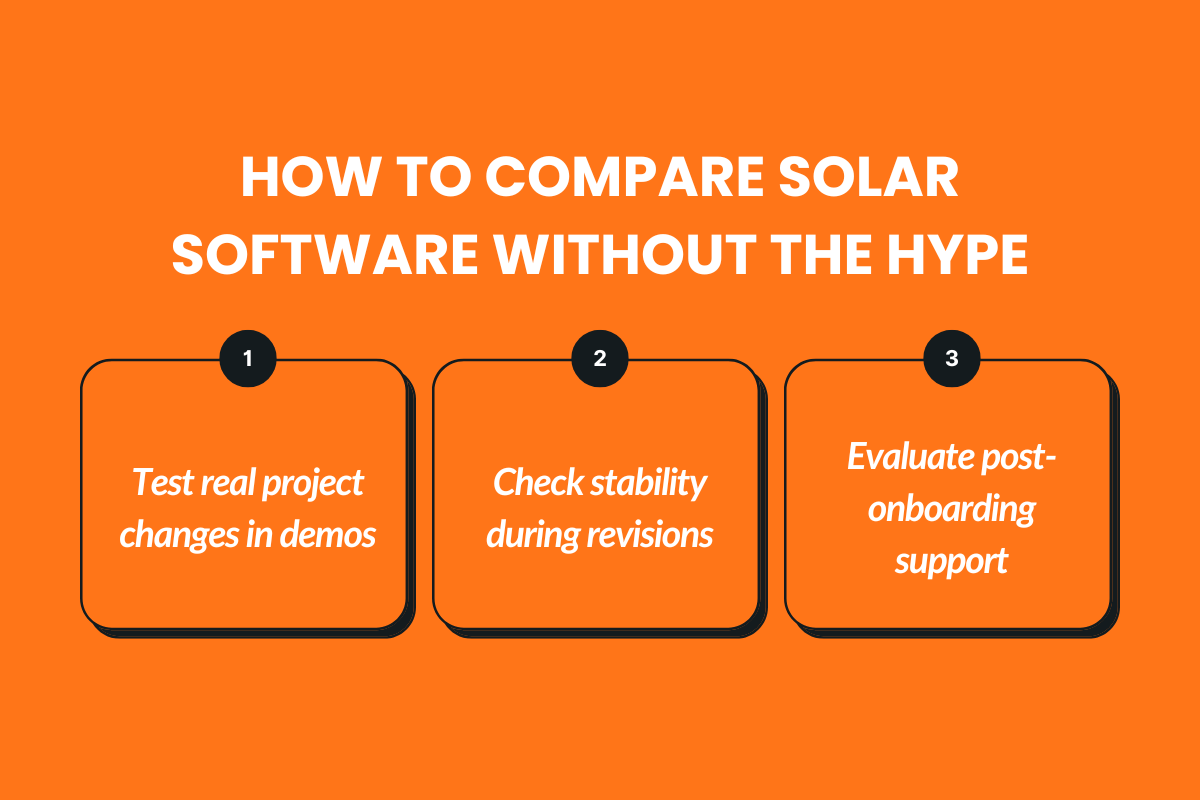
Once shortlists are created, the challenge shifts from availability to credibility. Most platforms present polished demos and feature-heavy messaging, making it difficult to understand how they will perform in real projects.
Rather than treating comparison as a checklist exercise, this stage works best when broken into three distinct evaluations: how claims translate into outcomes, how the software behaves under change, and how teams are supported after the sale.
1. Feature Checklists vs Real Installer Outcomes
Feature lists explain what a platform includes, but they do not show how those capabilities behave during everyday work.
At this stage, it helps to focus on behaviour rather than presence. Some capabilities look useful in isolation but introduce extra steps once a project evolves.
Others appear minor at first but remove friction as work progresses. The difference becomes clear only when projects change, and timelines tighten.
2. What to Test During a Solar Software Demo
Demos reveal far more when they are grounded in real scenarios.
Instead of watching a prepared walkthrough, it is more useful to follow a project that reflects actual constraints.
For example, opening an existing project, introducing changes mid-way, and observing how updates flow through the workflow highlights whether the platform remains stable or requires manual intervention.
Paying attention to response time, update consistency, and clarity during revisions gives a more accurate sense of how the software will behave in daily use.
3. Questions That Reveal True Accuracy and Support Quality
Comparison should also account for what happens after onboarding.
Questions about how updates affect older projects, how issues are handled when results differ from expectations, and how clearly support communicates over time help clarify long-term reliability.
Clear answers at this stage usually reflect how seriously a platform treats ongoing use, not just initial adoption.
How Leading Solar Software Platforms Compare for UK Installers (2026 View)?
1. Sunbase
Sunbase is an all-in-one solar design and operations platform built to connect system modelling, financial analysis, and installer workflows in one environment.
Key Features:
- PV System Design & Modelling: Provides structured layout tools with performance calculations, enabling installers to design systems with controlled module placement and generation estimates.
- Integrated Financial Analysis: Includes built-in quote generation with ROI projections, savings estimates, and payback calculations to support sales conversations.
- Battery & Add-On Support: Allows modelling of battery storage and related system upgrades, helping installers evaluate expanded system configurations.
- Workflow Continuity: Connects system design with customer management and project tracking to maintain operational flow from proposal to execution.
- Reporting & Documentation: Generates customer-ready proposals and structured reports suitable for presentation and internal documentation.
Key Benefit: Combines design, financial analysis, and workflow management in one system.
Best for: Installers seeking operational continuity beyond standalone design tools.
Pricing: Custom pricing based on company size and usage. Book a demo to know more.
2. PV*SOL Premium
PV*SOL Premium is a professional PV design and simulation software focused on detailed modelling, shading analysis, and accurate energy forecasts. It is widely used for technically rigorous system design.
Key Features:
- 3D Design & Shading Analysis: Offers advanced 3D building modelling with horizon and object-based shading simulations to generate highly detailed yield calculations.
- Energy Yield & Financial Analysis: Provides precise performance forecasts using meteorological datasets, along with ROI, self-consumption, and payback calculations.
- Battery & EV Modelling: Supports battery storage sizing, load profile analysis, and electric vehicle integration within system simulations
- Extensive Product Database: Includes a regularly updated database of PV modules, inverters, and battery systems from major global manufacturers.
- Bankable Reports: Generates detailed PDF reports suitable for client presentations, financing, and compliance documentation.
Key Benefit: High technical accuracy and engineering-grade modelling.
Best for: Installers prioritising precision and detailed system simulations.
Pricing: €1,295/year (~$1,410 USD) (plus VAT). No free plan.
3. Easy PV
Easy PV is a UK-focused solar design and quoting platform built to simplify system design, documentation, and grid paperwork for installers.
Key Features:
- UK PV Design Tools: Provides 2D and 3D roof design layouts with generation estimates based on UK-specific irradiance data and MCS-aligned calculation standards.
- DNO Form Automation: Includes built-in tools to generate UK DNO (Distribution Network Operator) application forms such as G98 and G99, simplifying grid connection paperwork.
- Proposal Generation: Creates branded customer proposals with system visuals, yield projections, and financial summaries tailored to UK tariff structures.
- Team & Project Management (Pro): The Pro version allows project sharing, role-based access, and workflow tracking for teams managing multiple installations.
Key Benefit: Streamlined UK-specific design and compliance handling.
Best for: UK installers wanting speed and simplified paperwork.
Pricing: Free basic plan; Pro starts at approx. £35/month.
4. OpenSolar
OpenSolar is an end-to-end solar design and sales platform combining proposals, CRM, and workflow tools in one system.
Key Features:
- PV Design & Dynamic Proposals: Offers integrated system modelling with performance simulations and automatically generated, customer-ready proposals that update dynamically with design changes.
- Battery & Electrification Modelling: Supports battery storage sizing, load shifting analysis, and EV charging scenarios to model full home electrification setups.
- Built-in CRM: Includes lead management, project tracking, task management, and customer communication tools within the same platform.
- Real-Time Updates: Provides live pricing configurations, product databases, and instant recalculations when system components or layouts are modified.
Key Benefit: Unified design-to-sales workflow without upfront licensing fees.
Best for: Installers seeking an all-in-one platform.
Pricing: Core platform free; fees apply for API access and integrations.
5. Solar Monkey
Solar Monkey is a cloud-based solar design and proposal platform built for residential installers handling steady project volumes.
Key Features:
- Automated Roof & Shading Detection: Uses satellite imagery and AI-assisted tools to quickly generate roof layouts, detect obstructions, and model shading for accurate system design.
- Battery Calculations: Includes integrated storage modelling to size batteries and estimate savings based on customer consumption and self-consumption scenarios.
- Professional Proposals: Generates branded, customer-ready proposals with system visuals, production estimates, and financial projections.
- Scalable Workflow: Supports installers managing multiple residential projects monthly with organized project tracking and cloud-based access.
Key Benefit: Fast design and quoting for growing teams.
Best for: Residential installers focused on speed and scale.
Pricing: Volume-based pricing; example plans start around €525/month (varies by usage).
Common Mistakes UK Installers Make When Buying Solar Software
Some buying decisions seem reasonable at the time but create friction later. These mistakes usually appear only after several projects, when patterns start to repeat, and limitations become harder to ignore.
1. Choosing Tools Based on Price Instead of Value
Lower-cost options often appear attractive during early comparisons. The issue tends to surface later, when extra steps, manual corrections, or limited flexibility begin to slow work down. Over time, the effort spent working around these gaps can outweigh the initial savings.
2. Ignoring UK-Specific Design and Planning Needs
Software that works well in other regions may still struggle with local requirements. When planning constraints or location-specific considerations are not handled directly, teams are forced to rely on manual adjustments, leading to inconsistent project outcomes.
3. Locking Into Systems That Don’t Scale
Short-term solutions can feel sufficient when volumes are low. As workloads increase, rigid setups make it harder to adapt processes, add complexity, or maintain consistency across projects. This often leads to tools being reassessed sooner than expected.
Key Questions to Ask Before Choosing Solar Software
Before making a final decision, installers should pressure-test the software to see whether it will hold up beyond the first few projects. The questions below are intended to surface gaps that often only appear after regular use begins.
- Does this software support the full installation process without workarounds?
Gaps at any stage often require manual steps later, slowing teams down as volumes increase. - How are calculations and forecasts generated and updated?
Understanding update logic and assumptions helps avoid inconsistencies during quoting and delivery. - What happens to existing projects when the software is updated?
It is important to know whether older work remains intact and accessible over time. - What level of support is available after onboarding?
Long-term reliability often depends on how clearly issues are handled once real projects are underway.
Conclusion: Choosing Software That Grows With Your Installation Business
By 2026, the decision is less about whether software can perform individual tasks and more about whether it can support consistent work as complexity and volume increase.
Approaching the choice with a buyer’s perspective helps installers focus on long-term suitability rather than surface-level capabilities.
The most effective platforms are those that reduce friction across projects and remain stable as requirements evolve.
Sunbase: Built for What Comes Next
As the UK solar market evolves, installers need software that adapts with them, without adding complexity, and Sunbase does just that by helping teams manage leads, projects, and communication in one system designed to support long-term growth.
Book a demo to see how Sunbase fits your workflows.
FAQs
1. What features matter most in solar software for UK installers?
UK installers should prioritise lead management, job tracking, document storage, compliance support, and clear handoffs between sales and installation teams to avoid delays and rework.
2. How is solar software different from general CRM tools for UK installers?
Solar software is designed for installer workflows such as site surveys, proposals, scheduling, and post-install support, whereas general CRMs often require extensive customisation to handle these processes.
3. Should UK installers choose all-in-one solar software or modular tools?
All-in-one solar software reduces tool sprawl and miscommunication, while modular tools offer flexibility. The right choice depends on team size, job volume, and the complexity of operations.
4. How important is automation for solar installers in 2026?
Automation is critical as installer workloads increase. Automated follow-ups, task assignments, and status updates help teams move faster without adding administrative overhead.
5. Can solar software help installers manage growing demand?
Yes. Scalable solar software helps installers handle more enquiries, manage multiple jobs simultaneously, and maintain service quality as demand increases.
6. When should UK installers upgrade or switch their solar software?
Installers should consider upgrading when spreadsheets become unmanageable, jobs start slipping through the cracks, or teams lack real-time visibility into project progress.
One Platform.
Zero Chaos.
Run Your Entire Business in One Platform
Sunbase replaces your CRM, proposals, scheduling, job tracking, and reporting tools — all inside one clean, connected platform.
About Sunbase
The All-In-One Platform to Run Your Entire Business
Sunbase helps you organize operations, streamline daily workflows, and manage everything - from first customer contact to final project deliver- in one connected system.
Our Mission
- Organize your business.
- Optimize your workflow.
- Automate your dailytasks
Why Businesses Choose Sunbase
One Connected Workflow
Replace scattered tools and manual processes with a single platform that brings together your team, tasks, customers, jobs, and performance data.
🌎 Global Presence
Serving the United States, Canada, India, LATAM, Australia, and 10+ international markets.
👥 11,000+ Users
Trusted by contractors, installers, project managers, sales teams, and field technicians.
🏗️ Built for All Sizes
From small contracting teams to fast-growing enterprises, Sunbase adapts to your workflow.
Stop Managing Your Business Manually. Automate It.
Sunbase automates workflows, reduces mistakes, and helps your team get more done - without hiring extra staff or juggling multiple tools.
Still Managing Your Business Across Multiple Tools?
Bring your CRM, proposals, projects, and operations into one platform built for contractors.

