
You tested multiple software solutions. The demo looked impressive, the dashboard looked clean, and the automation promised to simplify your business operations. Now you have either finalized or are about to sign up for a new Solar CRM Software.
But once implementation begins, the real challenges appear. Sales teams may struggle to use the system, data migration can become messy, and project handoffs may slow down when teams continue using spreadsheets or multiple tools.
This guide explains what actually goes wrong during Solar CRM implementation and how to avoid it. You will get a practical 90-day rollout plan covering data migration, team adoption, integration sequencing, and common mistakes that can turn a CRM rollout into chaos.
Solar CRM Systems Implementation: A 90-Day Guide to a Smoother Rollout
Most solar company operations do not stall because they chose the wrong Solar CRM. They usually struggle because the implementation process is not planned properly.
This quick guide explains how to implement a CRM for solar companies in a strategic and structured manner, so that solar business owners, managers, team leaders, and operations teams can improve efficiency, reduce workflow gaps, and close deals faster to build a more profitable solar business.
Key Takeaways
- A successful Customer Relationship Management software (CRM) implementation requires strategic planning, clean data migration, and phased integrations, not just choosing the right platform.
- The first 90 days are critical for streamlining solar operations, improving user adoption, and preventing workflow disruptions that often lead to CRM implementation failure.
- A solar-focused CRM built specifically for the solar industry supports the entire customer journey from lead capture and system design to financing, installation, and post-sales operations.
The 90-Day Danger Zone: A Quick-Glance Snapshot
| Phase | Timeframe | What Usually Breaks | Root Cause |
|---|---|---|---|
| Migration | Days 1–30 | Duplicate leads, missing proposal history, and broken lead-source tags. | Poor data mapping and unclean data before migration. |
| Adoption | Days 30–60 | Sales reps continue using manual data entry like spreadsheets and texts. | CRM workflow has a complex tech stack, or the implementation process lacks proper team training |
| Integration | Days 45–90 | Design tools, financing platforms, and accounting systems do not sync properly. | Too many systems are connected too early, leading to software bugs and workflow confusion. |
| Post-launch | Day 90+ | Reporting feels inaccurate, and leadership loses confidence | Bad data creates unreliable dashboards and poor visibility into sales data and operations. |
See your CRM rollout risk before it costs you. Book a free 20-minute rollout risk review with a
Sunbase implementation specialist, and we can map out the specific migration, adoption, and integration risks before you sign up.
Why Solar CRM Rollouts Break Differently Than Other Industries
The solar sales process in CRM involves selling an end-to-end management tool rather than just a sales tracker, which makes it more complex to implement.
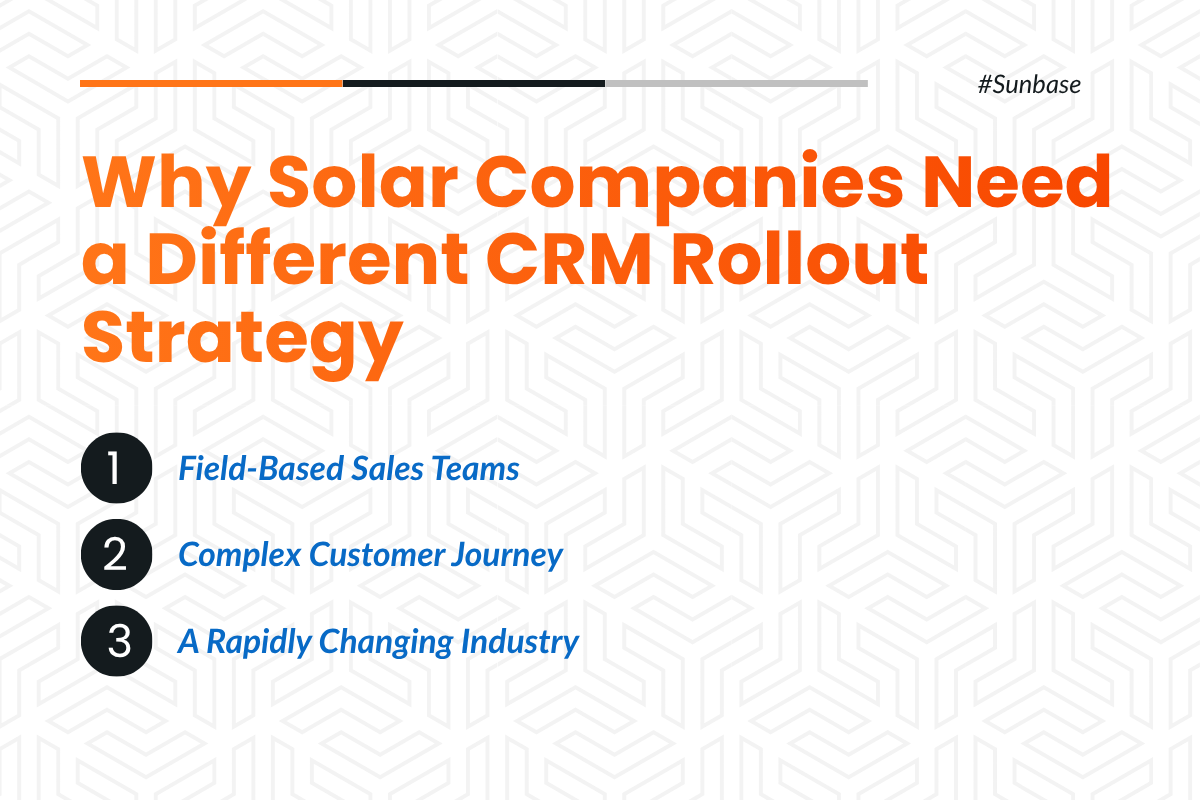
1. Your sales team is in the field and not behind a desk
Solar reps close deals in driveways, living rooms, and during door-to-door canvassing, not behind a desk. A desktop-first CRM slows them down when financing options, proposal details, or customer history are not instantly accessible on mobile. Without real-time information, reps fail to answer customer queries, which weakens buyer confidence and gives competitors the chance to win high-intent leads before your team can respond.
2. One solar deal touches multiple systems before it closes
The solar customer journey includes lead capture, site surveys, system design, financing, proposal creation, contract signing, installation, and Permission to Operate (PTO). A solar-specific CRM should streamline and support every stage of this process, ensuring a seamless workflow from initial lead to successful project completion.
3. Commission makes CRM adoption personal
Solar CRM reps must trust the system to accurately calculate commissions, track follow-ups, and assign deal ownership. Without that trust, they revert to spreadsheets and manual processes, creating inconsistent data and reducing CRM adoption.
4. The solar market is moving fast
The One Big Beautiful Bill Act eliminated the federal residential solar tax credit for installations completed after December 31, 2025. This sudden cliff has compelled residential solar companies to rapidly overhaul their sales processes, forcing a sharp pivot away from standard solar loans toward commercial third-party ownership (TPO) models like leases and PPAs.
Days 1–30: The Data Migration Minefield
1. The Duplicate-Contact Trap
Solar sales cycles have leads coming from multiple channels like door-to-door canvassing, referrals, website forms, paid ads, call centers, and more. Over time, it is common for the same prospect to appear in multiple systems, creating duplicate records.
If those duplicates are migrated into the new CRM without being identified and removed, the problems only get worse.
Sales reps may unknowingly call the same prospect twice, creating a poor customer experience, while marketing teams may send duplicate emails that waste advertising spend and reduce campaign effectiveness.
Without proper data cleanup, you are simply moving the same chaos from the old system into a new one with a better interface.
2. Historical proposals and design files often do not map cleanly
Older proposals, PDFs, signed contracts, roof layouts, and design files are often scattered across email threads, Dropbox folders, shared drives, or disconnected software.
If these files are not attached to the correct customer records during CRM migration, sales and operations teams lose valuable context.
When sales reps cannot find a customer's previous proposal or signed contract, they switch to manual processes to review past information.
This slows down follow-ups, delays proposal revisions, increases the likelihood of errors at various project stages, and creates a frustrating experience for both employees and customers.
Instead of improving productivity, the CRM becomes another system that users have to work around.
Days 30–60: Rep Adoption Resistance
1. Why solar reps push back on new CRMs
When a CRM is slow, difficult to navigate, requires a steep learning curve, contains inaccurate data, fails to automate routine tasks, or incorrectly tracks deals and commissions, it disrupts the entire sales process.
Instead of helping reps close more deals, the CRM becomes an administrative burden. As trust in the system declines, sales teams often return to manual workflows, making CRM adoption a major challenge rather than a productivity boost.
2. The “Shadow Spreadsheet” problem
When sales reps rely on spreadsheets, note-taking apps, or WhatsApp messages to manage deals, the CRM fails to serve as the single platform designed to streamline solar sales operations.
Instead of centralizing customer information, follow-ups, and sales activities, critical data becomes scattered across multiple tools.
Data-driven insight reporting becomes incomplete, managers lose visibility into the sales pipeline, and leadership is forced to make decisions based on inaccurate or missing data.
This can slow down project handoffs, delay installation dates, reduce sales performance, and make it harder to build long-term customer relationships to generate repeat business.
3. Early signs that CRM adoption is failing
Watch for these warning signs before Day 60 that reveal CRM Adoption is failing.
- CRM login rates drop significantly within the first week of implementation.
- Lead pipeline management slows down, delaying responses and reducing customer engagement.
- Sales reps rely on teammates for customer updates instead of using the CRM as the primary source of information.
- Sales reps return to manual processes for managing tasks instead of using the CRM to automate the solar installation process stages, manage leads, and support closing deals.
Days 45–90: Integration Sequencing and Why Order Matters
1. The mistake of connecting everything on day one
Most solar companies connect their CRM with design software, financing platforms, and field operations tools to automate data sharing across teams from a single platform.
However, integrating all tools into one platform at once can create unexpected problems.
Large volumes of data being synced simultaneously can lead to data mapping errors, sync failures, and even system performance issues.
Introducing multiple new tools and workflows can overwhelm sales reps. The steep learning curve increases cognitive overload, leading to data entry mistakes, lower adoption, and a return to manual processes.
2. Common integration breakage points
Solar teams should watch out for these technical failure points in CRM adoption:
- System size, panel count, or proposal values do not sync correctly from the design software for solar projects.
- E-signature status fails to update across the sales and installation workflow, delaying contract processing and project handoffs.
- Financing approval data does not sync to the corresponding sales record.
- Accounting integrations create duplicate invoices, disrupting financial management.
- Sales and operations teams revert to manual data entry because automated workflows fail to streamline day-to-day operations efficiently.
The Hidden Costs Nobody Puts in the Solar CRM Contract
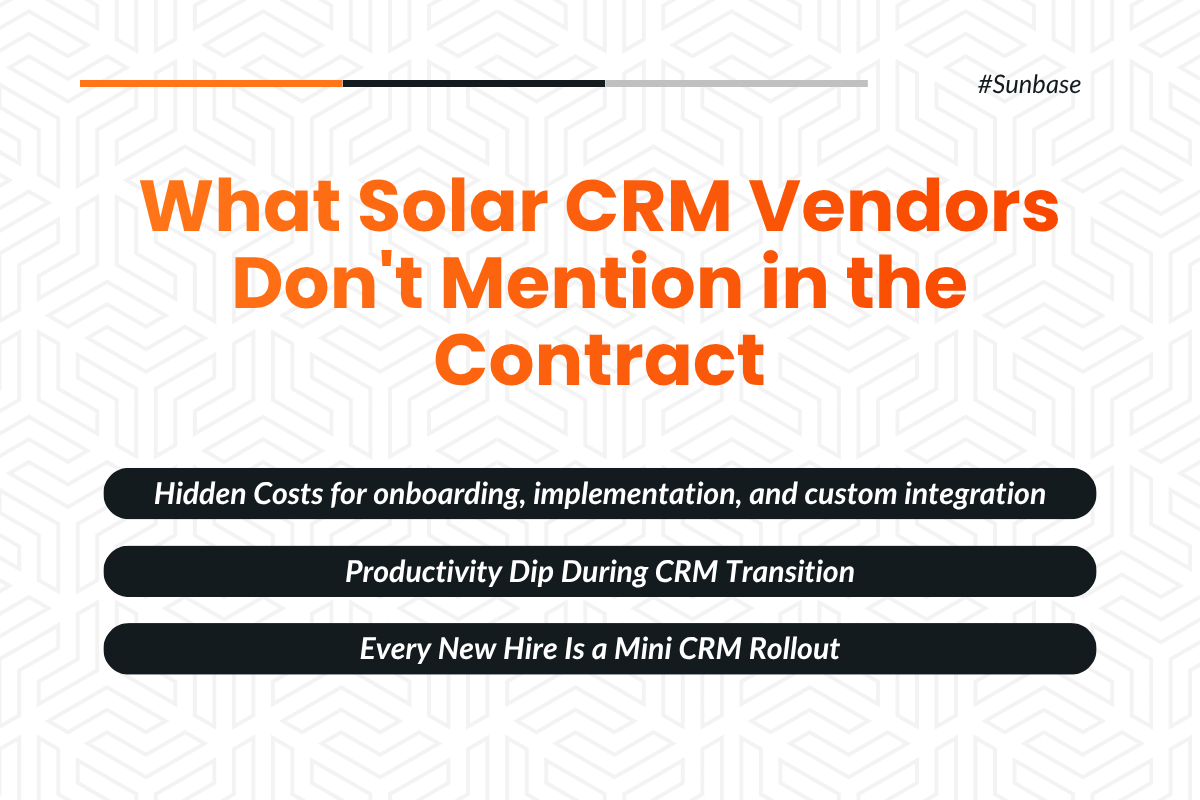
1. Onboarding fees and unclear pricing structure
Most Solar CRM vendors offer customized pricing based on a company's size, business operations, and implementation requirements.
While some providers offer a free plan, it often comes with limited features and may not include onboarding or implementation support.
Additional costs can apply for data migration, user training, custom integrations, adding more users, advanced reporting dashboards, and ongoing support.
If these costs are not identified upfront, it can significantly increase the total implementation budget.
2. The productivity dip during transition to CRM for solar
A temporary drop in productivity is common during the transition to a Solar CRM.
As sales teams adapt to new workflows and processes, lead tracking, proposal creation, follow-ups, and lead conversion may slow down during the first few weeks of implementation.
Solar Companies should plan for the transition with a structured rollout strategy.
A strategic approach like a phased implementation process involving role-based training and automated lead management workflows helps keep the sales pipeline active while teams become familiar with the new system.
This helps to overcome an initial productivity dip as the usage of CRM begins to improve lead tracking, streamline daily operations, and support higher lead conversion rates over time.
3. Retraining new reps after turnover to boost sales performance
Solar sales teams often experience high employee turnover, making fast onboarding a critical part of CRM adoption.
If the CRM is difficult to learn or training takes too long, new hires struggle to manage leads, follow workflows, and use the platform effectively, slowing down day-to-day operations.
To minimize disruption, a Solar CRM should be easy to use and supported by structured onboarding and training.
This helps new sales reps become productive faster, follow a consistent sales process, and build stronger customer relationships to contribute to higher sales performance.
A 90-Day Solar CRM Implementation Roadmap You Can Actually Follow
Here are the actionable fixes to overcome common Solar CRM Adoption Challenges:
Days 1–30: Foundation Stage
- Clean, standardize, and map the data before migrating to the new CRM.
- Run a test migration with a small batch of data to identify issues and prevent the loss of critical project and customer data.
- Audit the system using a 10% sample of records to validate data accuracy, automation workflows, and overall CRM performance before the full migration.
- Deploy the CRM's official iOS and Android apps, and configure separate Sales (Lead to Signed Contract) and Operations (Permitting to Final Installation) pipelines.
- Appoint two experienced sales representatives to test the CRM in real-world field conditions to identify bugs and usability issues, and resolve them before complete rollout.
Days 31–60: Adoption
- Begin using the Solar CRM with only essential data and core integrations to avoid system overload.
- Gradually introduce additional data, integrations, and automation features as users become familiar with the platform.
- Evaluate the CRM's performance against key performance and operational efficiency metrics to identify workflow bottlenecks or automation issues, and resolve them before the full-scale rollout.
- Gather feedback from actual users, including sales representatives, team leaders, managers, and the operations team, to refine workflows, improve usability, and optimize automations.
Days 61–90: Integration and Optimization
- Integrate design and proposal tools with the CRM to synchronize customer information, system designs, proposals, and document generation, eliminating duplicate data entry and reducing manual errors.
- Integrate financing platforms after the core sales workflows are established to streamline financing approvals, track payment statuses, and synchronize customer records accurately.
- Generate data-driven insights on lead conversion rates, proposal turnaround time, sales pipeline performance, and revenue to support informed business decisions with reliable data.
- Resolve workflow bottlenecks, data synchronization issues, and user adoption challenges before introducing advanced automation to ensure stable and efficient CRM operations.
Questions to Ask Any Solar CRM Vendor Before You Sign Up For A New CRM Software
Migration and onboarding
- Do you provide hands-on assistance with data migration to the new CRM, or do you only import the data into the new system?
- What happens to the historical project data, lead records, customer information, and design files that were created before adopting the new CRM?
- Who will be our point of contact to help map the critical data fields before importing them into the new CRM?
- What is the average implementation timeline for deploying the new CRM for a team of our size?
Integrations and Support
- Which integrations are native, and which may require third-party workarounds?
- What level of support is included in the basic plan?
- What is the average support response time?
- Is support available during field hours, or only within standard office hours?
Adoption and Training
- Do you offer role-specific training for sales reps, administrators, operations teams, and field crews?
- Can task fields be customized to match our business requirements?
- Can our sales reps easily use the CRM on mobile devices while in the field?
- How do you help teams drive user adoption and ensure a successful rollout after launch?
How Sunbase Approaches Solar CRM Implementation Differently
Here’s what makes Sunbase implementation distinctive for a smoother CRM rollout:
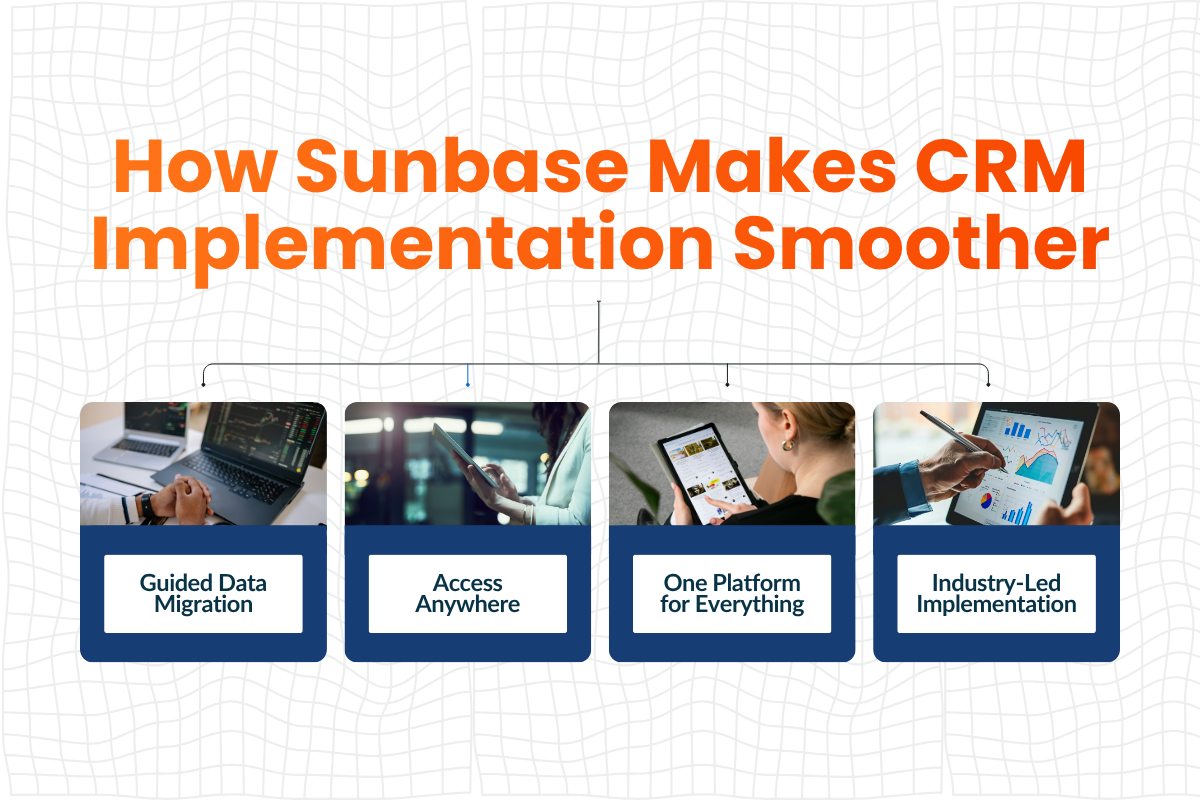
- Guided data migration: It provides CSV-based data import tools along with onboarding support to help teams map fields, validate records, and prepare data before implementation, reducing the risks associated with self-service imports.
- Access from anywhere: The platform is available on iOS, Android, and the web, allowing sales reps and field teams to manage leads, proposals, customer information, and project updates from any device.
- A single connected platform: Sunbase brings together lead management, solar design, proposal generation, finance workflows, e-signatures, and accounting integrations in one platform, reducing manual handoffs and duplicate data entry caused by fragmented software.
- Industry expertise: Our experienced implementation specialists understand the real-world sales and operational workflows of solar, roofing, and contracting businesses. Their industry knowledge enables a more strategic implementation for faster user adoption tailored to the business processes.
The Bottom Line: A Smooth Rollout Is Not Luck. It Is Correct Sequencing of Business Operations
A solar CRM does not fail due to unrealistic promises in a demo; it fails when the implementation is rushed, data migration is messy, and critical integrations are overlooked.
The first 90 days are what determine whether your CRM becomes a growth engine or another unused tool.
With the right rollout strategy, clean data migration, and phased integrations, your team can achieve a smooth transition and keep sales and operations running without disruption.
Ready to see what a solar CRM built for successful 90-day rollouts looks like?
Choosing the right solar CRM is only part of the solution.
A successful implementation depends on a well-planned migration, streamlined workflows, and expert onboarding to ensure a smooth launch without disruption.
Book a demo with our solar experts to see how Sunbase can help you implement your CRM and accelerate user adoption with confidence and ease!
Frequently Asked Questions (FAQ)
1. How long does it take to implement a solar CRM?
Most Solar CRM systems require a 30- to 90-day implementation period, depending on data quality, team size, workflow complexity, customization needs, and integration requirements. Small businesses can usually implement a Solar CRM faster, while larger enterprises may need more time for a complete rollout.
2. What is the number one reason solar CRM implementations fail?
The primary reason Solar CRM implementations fail is poor team adoption. When the workflow feels too complex or difficult to use, team members often continue relying on older systems, spreadsheets, or manual processes. This creates data gaps in the operations and eventually leads to CRM implementation failure.
3. Can I migrate old CRM data without losing proposal and contract history?
Yes, you can access historical files if they have been organized before migration. Proposal PDFs, contracts, design files, and financing details should be linked to the correct customer and deal records during migration.
4. How do I get sales reps to use a new CRM instead of spreadsheets?
A CRM with a simple workflow and proper training is essential before fully migrating to a new tool. This ensures that all team members understand how to use the system effectively, close deals faster, and maintain positive customer experiences.
5. Should I connect to all third-party tool integrations at once to the solar CRM?
No, third-party tools should be integrated in a phased manner. Start by connecting the priority tools first to test the CRM solution’s performance before adding more systems. This phased approach helps prevent data chaos and software bugs caused by using too many tools at once.
A practical rollout can begin with the core CRM, followed by lead management tools, solar design platforms, proposal generation software, financing tools, and accounting platforms. This also makes it easier to identify integration issues early and fix them before they affect the full workflow.
One Platform.
Zero Chaos.
Run Your Entire Business in One Platform
Sunbase replaces your CRM, proposals, scheduling, job tracking, and reporting tools — all inside one clean, connected platform.
About Sunbase
The All-In-One Platform to Run Your Entire Business
Sunbase helps you organize operations, streamline daily workflows, and manage everything - from first customer contact to final project deliver- in one connected system.
Our Mission
- Organize your business.
- Optimize your workflow.
- Automate your dailytasks
Why Businesses Choose Sunbase
One Connected Workflow
Replace scattered tools and manual processes with a single platform that brings together your team, tasks, customers, jobs, and performance data.
🌎 Global Presence
Serving the United States, Canada, India, LATAM, Australia, and 10+ international markets.
👥 11,000+ Users
Trusted by contractors, installers, project managers, sales teams, and field technicians.
🏗️ Built for All Sizes
From small contracting teams to fast-growing enterprises, Sunbase adapts to your workflow.
Stop Managing Your Business Manually. Automate It.
Sunbase automates workflows, reduces mistakes, and helps your team get more done - without hiring extra staff or juggling multiple tools.
Still Managing Your Business Across Multiple Tools?
Bring your CRM, proposals, projects, and operations into one platform built for contractors.