
Audio overview: Listen & Learn
How do you reduce the cancellation of solar appointments? The answer is not by making more follow-up calls, but by fixing the fundamentals of how that appointment is booked and confirmed.
In the solar industry, most solar companies focus heavily on lead generation, how to drive more solar leads, and how to increase marketing volume. But even when a solar business is producing high-volume leads, the real issue often happens after the booking.
A missed solar appointment costs more than a calendar slot. It costs time, scheduling space, and momentum in your sales process. Over time, this directly impacts solar sales.
The solution is adopting smarter systems.
How to Reduce Solar Appointment No-Shows Without More Follow-Up Calls
Solar appointment setting is one of the most difficult parts of building a scalable solar business.
Appointment setting is the process of gathering prospect information and scheduling follow-up appointments for a company’s sales personnel. When that process isn’t designed correctly, even high-quality solar appointments fall apart.
Great appointments start with tight filters, clear questions, and confirmed expectations before booking high-quality solar leads. Without that structure, even pre-qualified prospects lose interest or fail to show.
In this guide, you’ll learn proven strategies to reduce no-shows without increasing calls, how to qualify the right prospects before booking, what to automate in real time, and what still requires a human touch. Because a successful solar appointment happens by design.
Key Takeaways
- Most solar appointment no-shows are caused by weak systems, not a lack of follow-up.
- Strong qualifications and clear expectations at booking reduce cancellations early.
- Calendar lock-ins, especially when homeowners can add the appointment to the calendar they check most often, improve show rates without extra calls.
- Reducing pre-appointment friction (missing info, unclear format) lowers drop-offs.
- A simple day-of confirmation process protects your sales team’s time.
- Streamlining the workflow from booking to signing improves close rates and overall sales efficiency.
Book a short demo with us and audit your booking-to-signing process today. The difference between missed appointments and signed deals is often just workflow clarity.
What is a Solar Appointment (and Why It Gets Missed)?
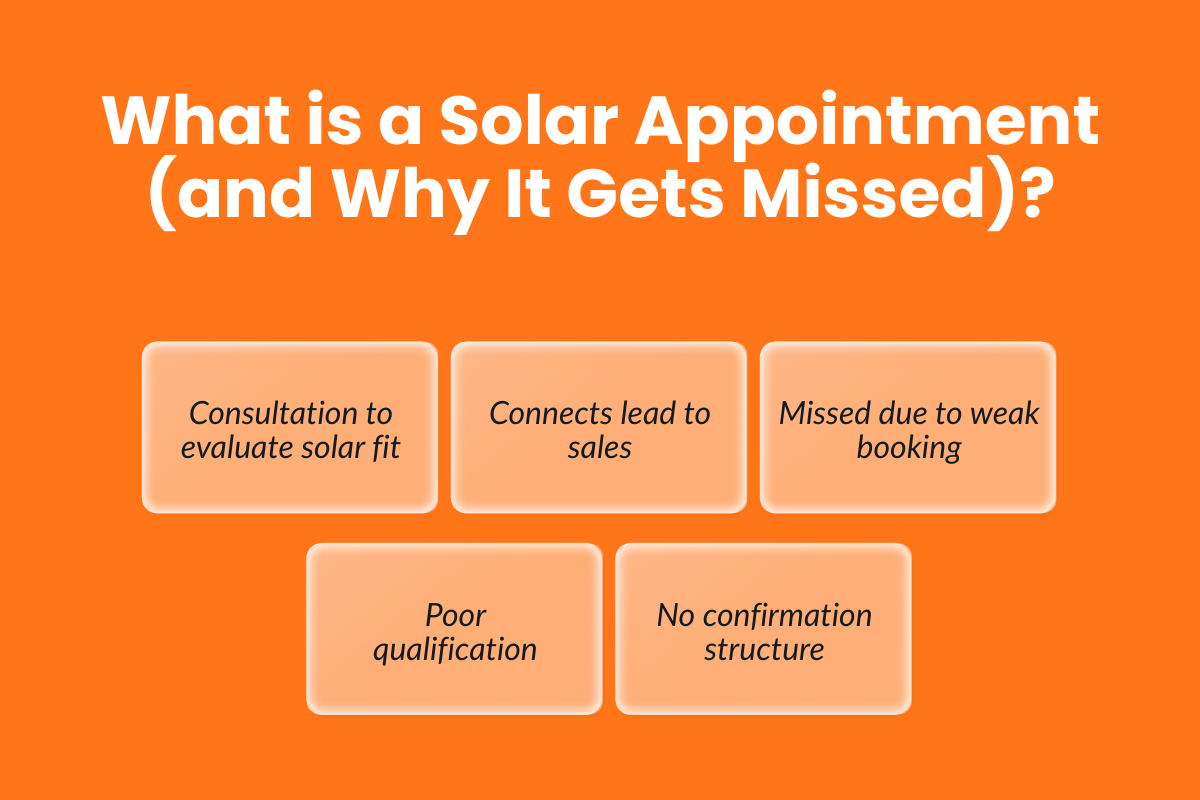
A solar appointment is a scheduled consultation between a homeowner and a solar company to evaluate the property, review energy usage, and discuss system options.
Solar appointment setting is the process of acquiring prospect information and setting up appointments for follow-up by a company’s sales personnel. It connects lead generation to actual solar sales. When this step is weak, it leads to poor qualification, unclear expectations, or no confirmation flow.
What Happens In A Typical Solar Appointment Setting?
A solar appointment can take place as either an in-home appointment or through virtual meetings, depending on the homeowner’s preference and the complexity of the property.
During a typical solar appointment, the sales team will:
- Review the homeowner’s recent electricity bill to understand annual kilowatt-hour usage
- Assess roof condition, angle, shading, and overall suitability for solar energy
- Check the main electrical panel to confirm compatibility
- Discuss system size, estimated production, costs, and potential savings
- Outline financing options such as cash, loan, lease, or PPA
- Explain installation timelines and next steps
For an in-home appointment, access to the attic, roof, and electrical panel may be required. Virtual meetings, on the other hand, can speed up early-stage proposals and save time when a full physical inspection isn’t immediately necessary.
The goal of any solar appointment is simple: provide clarity so the homeowner can make an informed decision about solar energy.
Why No-Shows Happen In The Solar Industry?
Missed solar appointments rarely happen because of a lack of interest alone. More often, they result from gaps in the booking and confirmation process.
Common reasons include:
- The homeowner does not check the calendar where the appointment was added
- Only one of the two homeowners is available
- Expectations were not clearly set before the meeting
- The homeowner was not fully pre-qualified
- The prospect expressed mild interest but was not ready to move forward
- There was confusion about whether the appointment was virtual or in person
Reducing no-shows starts by tightening the system before the appointment ever appears on the calendar.
The “No-Show” Checklist: 6 Causes You Can Fix for High Quality Solar Appointments
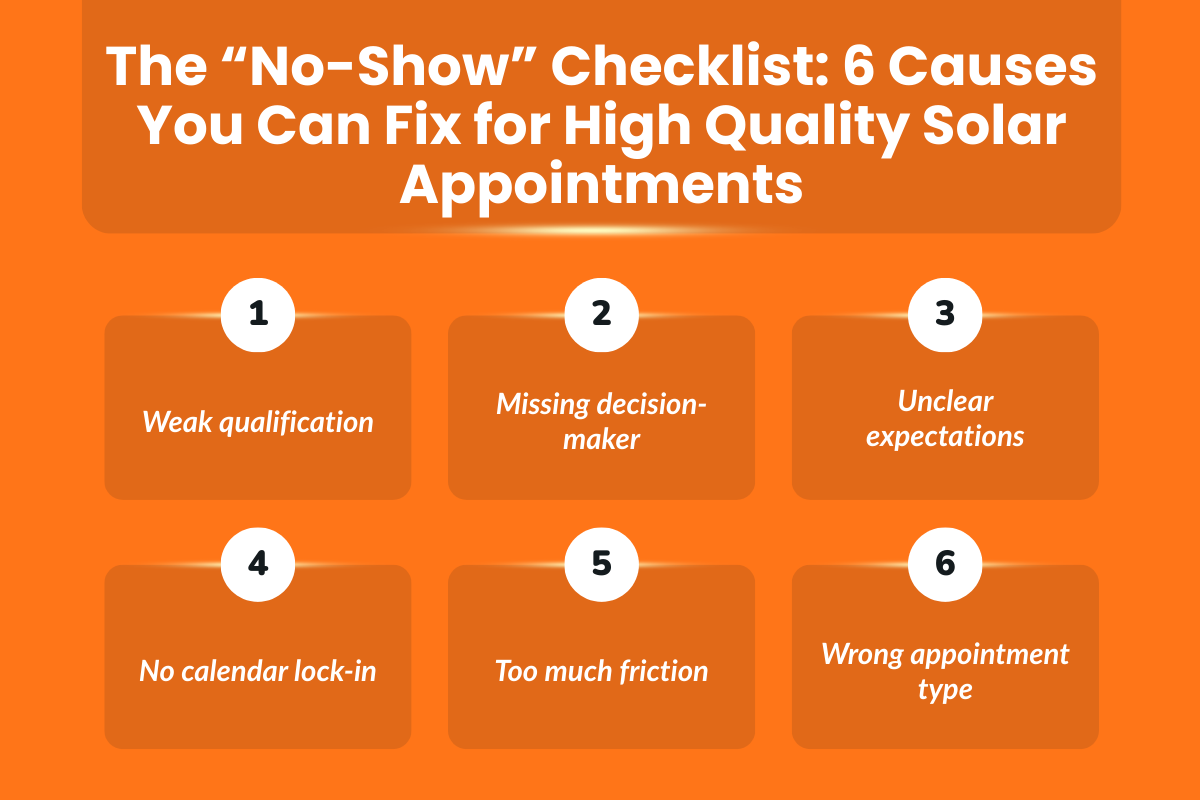
Below are six common causes that solar companies can fix at the system level to get high-quality solar appointments.
Cause 1 — Weak Qualification (Wrong Fit)
Lead qualification is essential for maximizing the efficiency of a solar sales team. When qualification is loose, the calendar fills with low-intent prospects who are unlikely to convert.
Pre-qualifying leads helps ensure high-quality solar appointments that are more likely to show and move forward, and effective lead qualification involves confirming basic criteria such as budget, authority, and genuine interest in solar energy.
Sales appointments should be set with individuals who have already expressed interest, not those who casually filled out a form. If the prospect is not the right fit, the appointment should not be booked.
Cause 2 — Only One Homeowner Is Present (Decision Delay)
In many residential solar deals, two homeowners are involved in the decision. When only one person attends the solar appointment, the conversation often ends with, “Let me discuss it with my spouse.”
That delay increases the chance of cooling off or losing urgency. A simple confirmation step asking whether both homeowners will attend can significantly improve show rates and downstream conversion.
If both decision-makers cannot attend, reschedule early instead of risking a stalled appointment.
Cause 3 — Unclear Meeting Expectations
Unclear expectations increase cancellation risk. If the homeowner does not understand what will happen during the solar appointment, how long it will take, or what information is required, they are more likely to postpone or disengage.
Setting clear expectations before the meeting can cut confusion and build trust. A brief confirmation message outlining:
- Duration of the appointment
- Whether it is in-home or virtual
- What documents or access are needed creates clarity and reduces last-minute uncertainty.
Cause 4 — The Appointment Is Easy to Forget After Booking
Even when a solar appointment is successfully scheduled, the homeowner may not regularly check the calendar where the event was created. If the appointment sits in a calendar they rarely open, it becomes easy to forget.
In many cases, the appointment confirmation lives in an email or a calendar that the homeowner does not actively monitor during the week. When the visit day arrives, the meeting simply slips their mind.
One way solar companies reduce this type of no-show is by encouraging homeowners to add a reminder to the calendar they check most often.
Cause 5 — Too Much Friction Before The Meeting
Excessive forms, document requests, or unclear prep instructions can overwhelm the homeowner. If too many steps are required before the appointment, engagement drops.
Streamline pre-appointment requirements to only what is necessary. Confirm essential information and explain why it is needed. Reducing friction increases the likelihood that the appointment happens as scheduled.
Cause 6 — Wrong Appointment Type (Virtual vs In-Home Mismatch)
Choosing the wrong appointment format increases cancellation risk. Some homeowners prefer virtual meetings for convenience, while others expect an in-home appointment for a hands-on experience.
Virtual appointments work well for early-stage exploration or straightforward properties. In-home visits are better suited for complex roofs or highly engaged prospects.
Matching the appointment type to the homeowner’s expectations and level of interest improves attendance and reduces rescheduling.
Each of these causes can be addressed through clearer qualification, better confirmation flows, and smarter automation.
Step 1 — Fix The Booking Stage (So You Don’t Book No-Shows)
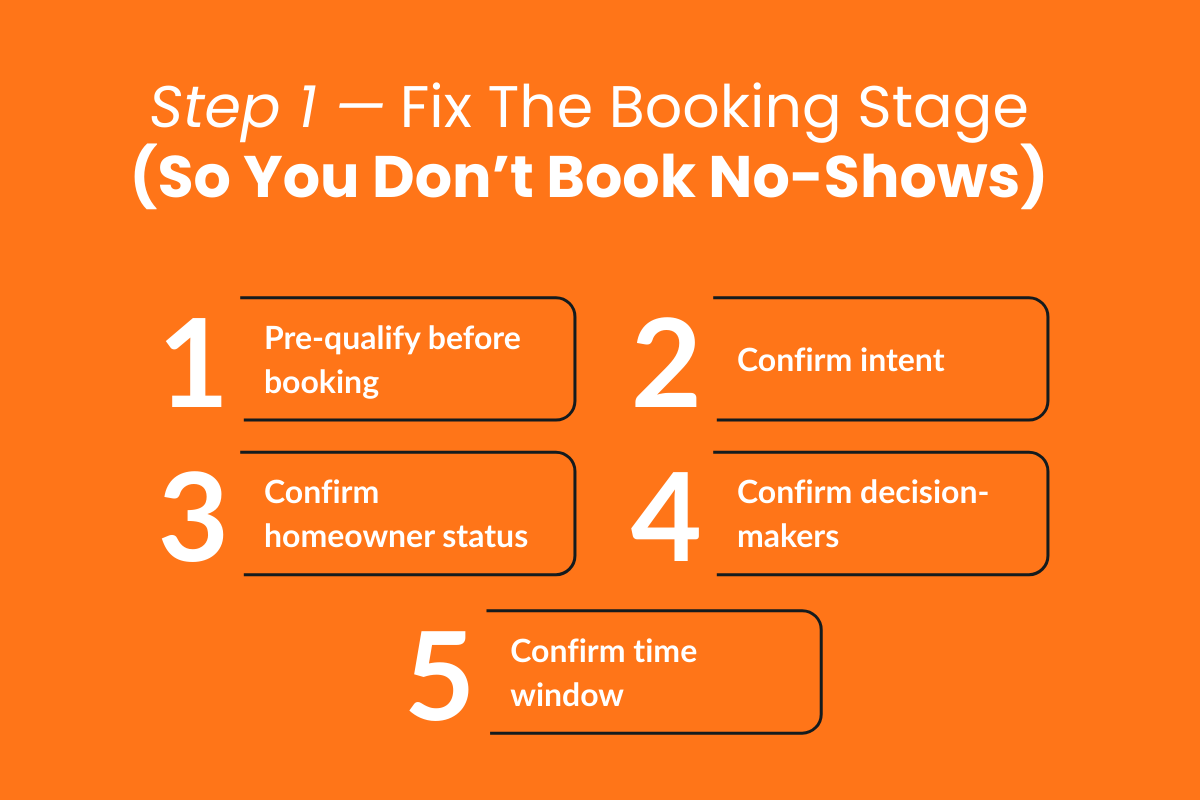
Most missed appointments can be traced back to the booking stage. If the qualification and confirmation process is weak, no amount of reminders will fix it later.
Great appointments start with tight filters and clear questions before booking solar leads.
Your goal is not to fill the calendar but to book high-quality solar appointments that are more likely to show and convert.
Tight Filters + Clear Questions Before Booking Solar Leads
Before confirming a solar appointment, use a short pre-qualify checklist. This should take minutes, not a full discovery call.
Quick Pre-Qualify Script / Checklist:
- Is the homeowner actively exploring solar energy, or just researching?
- Do they own the property?
- Are both decision-makers available for the appointment?
- Have they reviewed a recent electricity bill?
- What time window works best for them?
Confirm homeowner intent and a specific availability window instead of offering open-ended scheduling. Clear commitment reduces drop-offs.
If you use Sunbase’s WebScheduler, this is where structure matters. Instead of manually coordinating back-and-forth messages, you can define available time windows, capture essential details during booking, and standardize the confirmation process.
When required fields and time slots are set clearly at booking, you reduce scheduling errors before they reach your sales team.
Warm Vs Cold Leads (And How Each Affects Show-Rate)
Warm lead appointments are set with homeowners who have already expressed interest in solar. They may have requested a quote, filled out a form, or responded to targeted marketing.
Cold lead appointments are booked with homeowners who have not shown prior intent and may have only responded to outreach.
Warm leads typically convert at a higher rate because interest already exists, but cold leads require stronger confirmation and clearer expectations to achieve the same conversion rate.
If your calendar is filled with cold appointments, expect a higher cancellation risk. Align your booking strategy with lead temperature.
If You Buy Solar Appointments Or Use Pre-Set Appointments
Some solar companies buy solar appointments or rely on external providers for pre-set appointments. This can support scale, but only if expectations are clearly defined.
Provide your appointment setting partner with strict qualification criteria, including:
- Homeownership confirmation
- Service area match
- Level of interest
- Decision-maker presence
- Basic budget alignment
“Pre-qualified” should mean that the homeowner has expressed real interest, confirmed availability, and agreed to the appointment format.
Outsourcing appointment setting can help solar companies focus on closing rather than prospecting, but the quality of the criteria determines the quality of the outcome.
Even when appointments are generated externally, integrating them directly into your CRM or scheduling system, such as Sunbase, ensures consistency. Structured booking, automatic confirmations, and clear appointment details reduce the friction that often causes cancellations before the meeting ever begins.
Fixing the booking stage ensures that your sales team spends time on serious prospects, not on preventable no-shows.
Step 2 — Build A Confirmation Flow That Reduces No-Shows Automatically
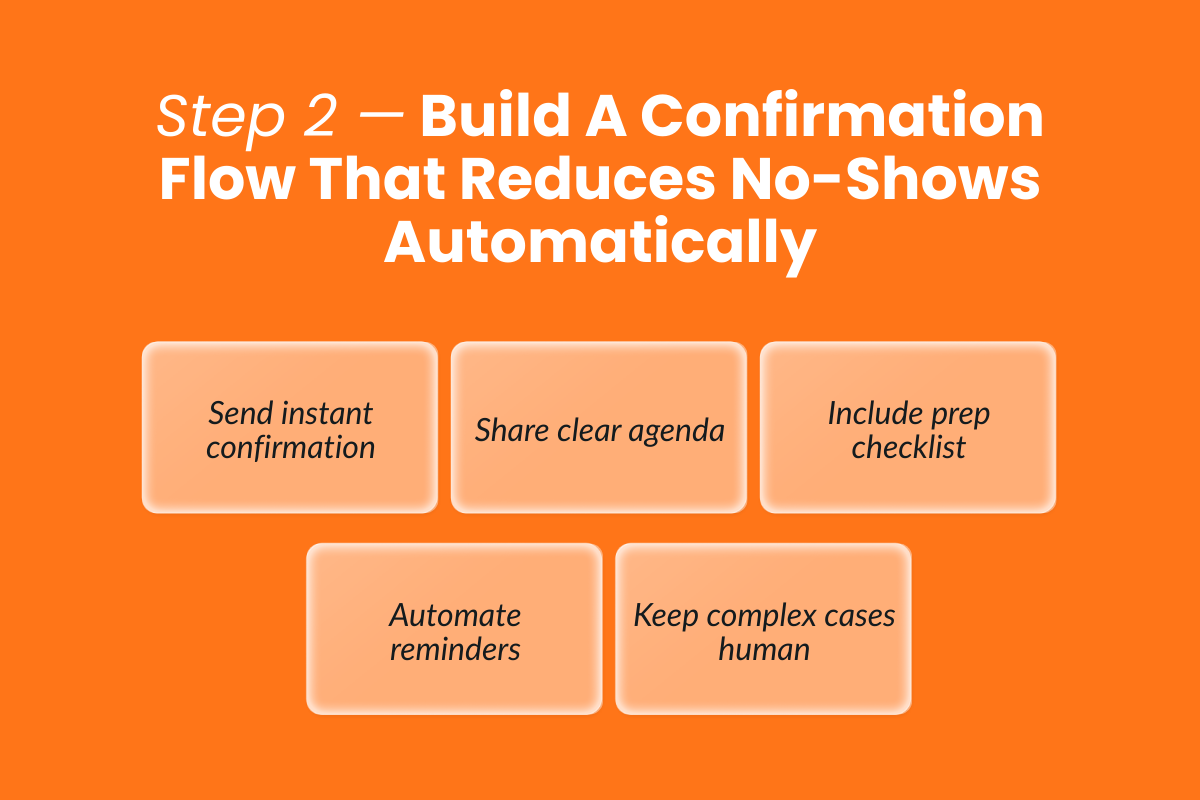
A strong booking stage prevents low-intent appointments. Sending reminders can reduce missed appointments significantly, but reminders alone are not enough. Clear communication of expectations before a solar appointment helps build trust and reduces last-minute confusion.
The goal of confirmation is simple: reinforce commitment and remove uncertainty.
Confirmation Message That Sets Expectations (And Builds Trust)
A confirmation message should do more than restate the time. It should clearly explain what will happen and what the homeowner should prepare.
Keep the agenda simple and specific.
Example Meeting Agenda (3 Bullets):
- Review your recent electricity usage and current utility costs
- Assess roof suitability and discuss system size options
- Walk through pricing, incentives, and next steps
Also include what the homeowner should have ready:
- A recent electricity bill
- Access to the roof and electrical panel (for an in-home appointment)
- A stable internet connection (for virtual meetings)
- Both decision-makers present, if possible
Clear expectations reduce anxiety. When homeowners understand the structure of the solar appointment, they are less likely to cancel or postpone.
What To Automate Vs What To Keep Human
Automation improves efficiency, but not every part of the process should be automated.
Automate:
- Confirmation messages immediately after booking
- Reminder timing (e.g., 24 hours and 2 hours before)
- Add-to-calendar functionality
- A short prep checklist is included in the confirmation
Sunbase’s reminder and calendar integration supports this step by allowing homeowners to add the solar appointment directly to their preferred calendar and receive structured reminders. This reduces reliance on manual follow-up while reinforcing attendance.
Keep Human:
- High-ticket or highly engaged warm deals
- Complex roof evaluations require special coordination
- Objections or reschedule requests
An automated solar workflow should handle repetition, but your sales team should handle nuance.
A balanced confirmation flow ensures consistency without removing the personal element that builds trust and moves solar deals forward.
Step 3 — Make “Add To Calendar” The Default (The Highest Leverage Change)
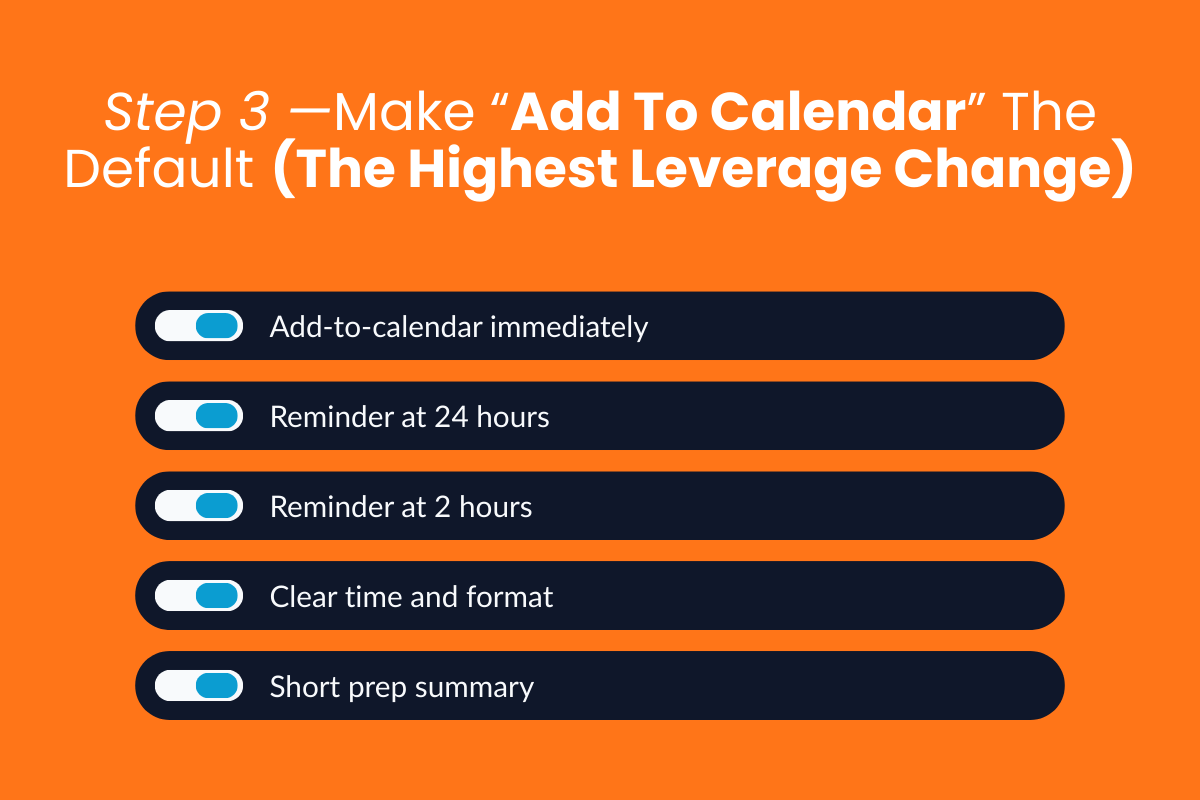
If you change only one thing in your solar appointment workflow, make it this: turn calendar lock-in into the default behavior.
Sending reminders can significantly reduce missed appointments. But reminders work best when the appointment lives inside the homeowner’s personal calendar, not just in a confirmation email.
Why Calendar Reminders Beat Generic Follow-Up
Generic follow-up messages rely on memory, but a calendar entry creates structure.
When a homeowner manually adds a solar appointment to their Google Calendar, Outlook, Apple Calendar, or another system they check daily, the meeting becomes part of their schedule and not just a message they might overlook.
Behaviorally, this matters because people are more likely to honor commitments that appear in their own calendar alongside work meetings, school pickups, and other obligations.
Instead of increasing outbound calls, focus on embedding the solar appointment directly into the homeowner’s routine.
Sunbase supports this by allowing homeowners to add a reminder for the appointment to the calendar they check most often immediately after booking.
Instead of relying on a single scheduling system, the reminder can be added to Google Calendar, Outlook, Microsoft 365, Apple Calendar, Yahoo Calendar, or imported through an ICS file.
This means the reminder appears alongside the homeowner’s personal or work schedule, the calendar they already rely on daily, making the appointment far less likely to be forgotten.
> Recommended Reminder Schedule (Without Extra Calls)
You do not need daily follow-ups. You need predictable timing.
A practical reminder schedule looks like this:
- Confirmation immediately after booking
- Reminder 24 hours before the appointment
- Reminder 2 hours before the appointment
If your market has longer booking windows, consider adding one reminder 2–3 days in advance. Adjust based on your typical gap between booking and meeting.
This cadence reinforces the appointment without overwhelming the homeowner.
> What The Reminder Should Include (So It Prevents Confusion)
A reminder should reduce uncertainty, not just restate the time.
Include:
- Exact date and time (with time zone if relevant)
- Clear location details or virtual meeting link
- A short summary of what will happen
- A brief prep checklist (e.g., recent electricity bill, roof access if needed)
When the homeowner knows exactly what to expect and what to prepare, the likelihood of last-minute no-shows drops.
Making add-to-calendar and structured reminders part of your solar appointment-setting process is one of the simplest changes that can increase show rates without adding pressure to your sales team.
>> Let Homeowners Add The Reminder To The Calendar They Actually Use
After a solar appointment is booked, the next step should be immediate calendar visibility.
Instead of storing the appointment only inside a scheduling system, homeowners should be able to add it to the calendar they check most often.
Sunbase’s Web Scheduler includes a “Remind Me” option after booking, allowing the homeowner to:
- Add the appointment to Google Calendar, Outlook, Microsoft 365, Apple Calendar, or Yahoo Calendar
- Download an ICS file and import it into any calendar
- See the reminder as a separate entry with the appointment name, date, and time
- Access the reminder across devices, even if the booking happened on another device
Because the reminder appears in the calendar the homeowner already uses daily, the appointment stays visible and top of mind.
Step 4 — Reduce Pre-Appointment Friction (Missing Info = Cancellations)
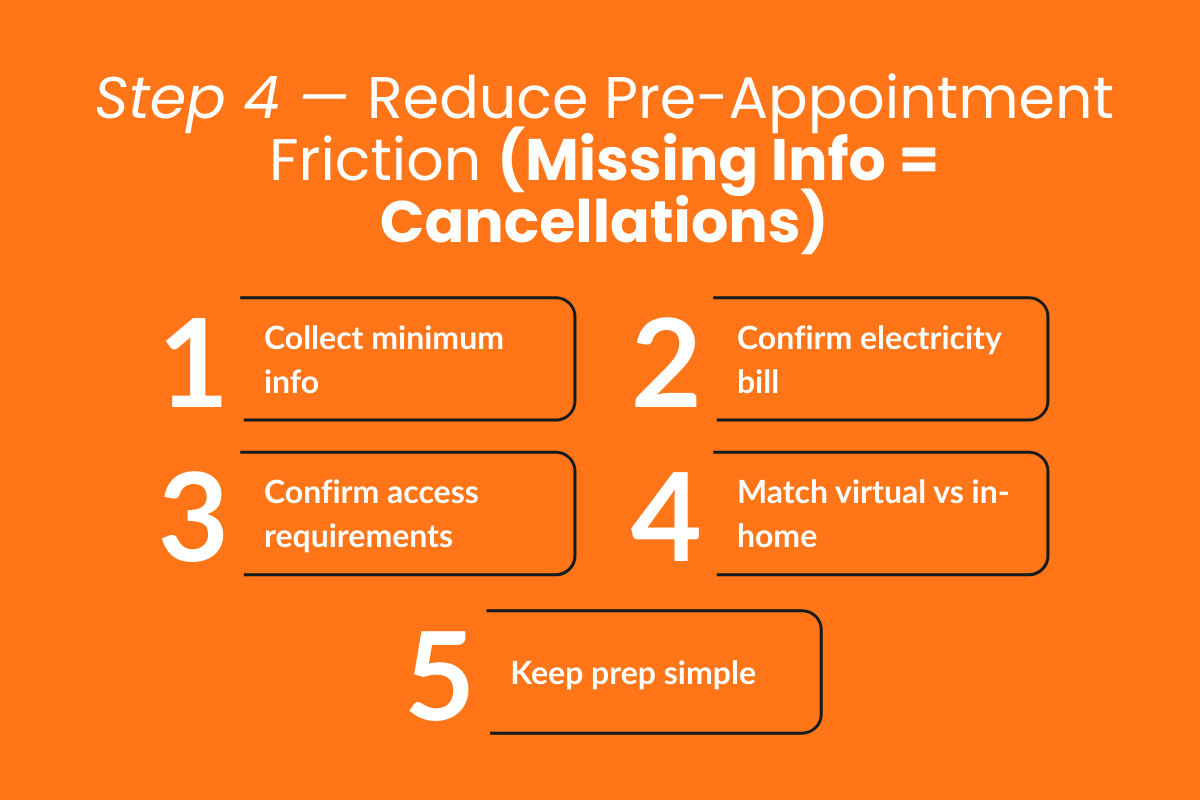
Even qualified, confirmed solar appointments can fail if the homeowner feels unprepared or overwhelmed.
The objective is simple: collect only what is necessary and clarify what the homeowner needs to prepare.
Collect The Minimum Relevant Information Upfront
Do not overload the booking process with long forms. Focus on essential details that allow your sales team to prepare efficiently.
At minimum, collect:
- Property address
- Confirmed date and time availability
- Preferred contact method (phone, email, SMS)
- A recent electricity bill or estimated annual usage
Most consultations require access to a recent electricity bill showing annual kilowatt-hour usage for accurate system sizing. Keeping this request simple and explaining why it is needed increases compliance.
Capturing this relevant information upfront reduces back-and-forth and prevents cancellations caused by confusion.
Prep Checklist For In-Home Appointments (Reduce Wasted Trips)
For an in-home appointment, preparation matters.
Homeowners should be informed in advance if the consultant may need:
- Access to the electrical panel
- Access to the attic (if required)
- Clear access to the roof
Always ensure representatives have clear access to the electrical panel, attic, and roof when required. When access is blocked or unclear, appointments may need to be rescheduled, wasting time for both parties.
A simple checklist included in the confirmation message significantly reduces this risk.
When Virtual Meetings Are Better (And When They’re Not)
Virtual solar appointments allow homeowners to explore solar energy options without an in-person visit. They are faster to schedule, reduce travel time, and lower friction for early-stage prospects.
Virtual meetings are effective when:
- The homeowner is in research mode
- The roof appears straightforward
- Initial qualification is still being validated
In-home visits are recommended when the deal is warm, the roof is complex, or the homeowner prefers a hands-on consultation. Physical inspections are often necessary to assess shading, roof condition, and electrical panel compatibility in detail.
Choosing the correct appointment type based on deal stage and property complexity reduces cancellations and improves efficiency across your solar sales process.
Reducing friction before the meeting ensures that when a solar appointment is booked, it moves forward smoothly instead of stalling due to missing information.
Step 5 — Day-Of Playbook (Reduce Last-Minute No-Shows)
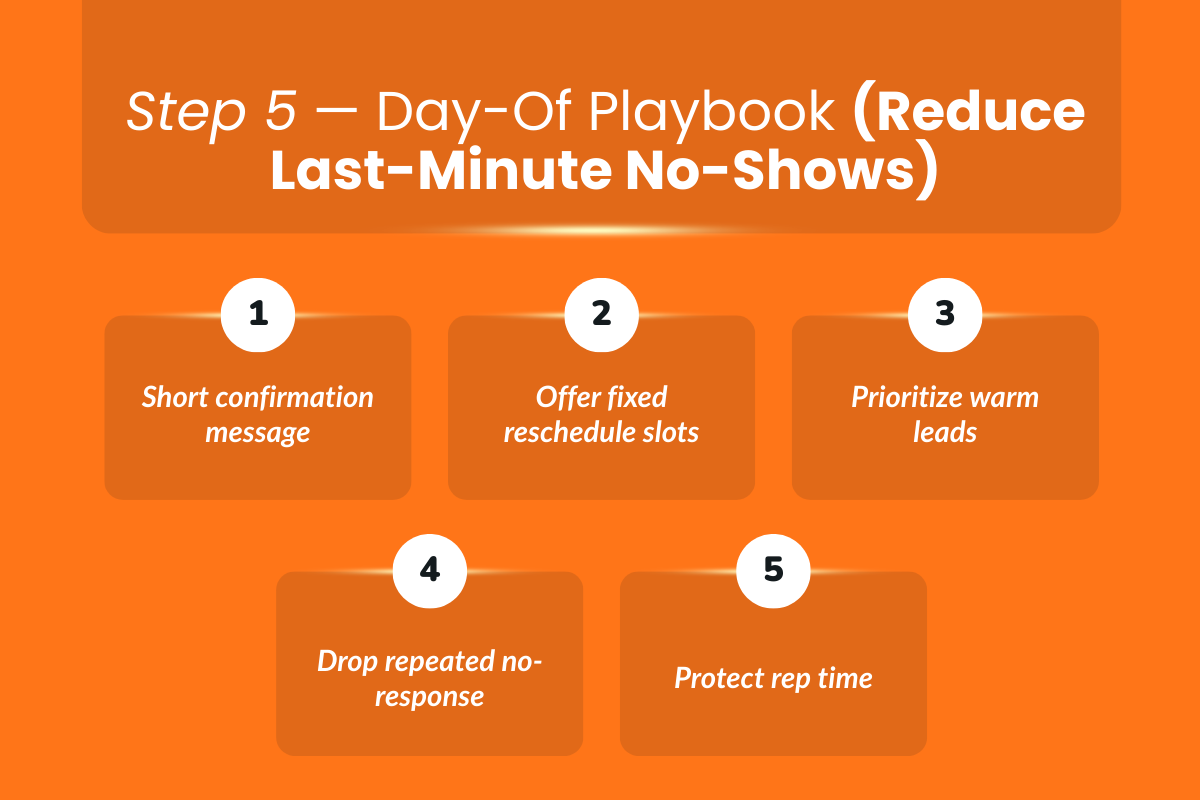
Even with strong qualifications and reminders, the final few hours before a solar appointment matter. A simple day-of process reduces uncertainty and protects your sales team’s time.
2 Scripts: “Confirming We’re On Track” + “Reschedule Without Losing The Deal.”
Script 1 — Confirming We’re On Track (2–3 Hours Before)
“Hi [Name], just confirming we’re still on for today at [Time]. Looking forward to reviewing your energy usage and next steps.
Let me know if anything changed.”
This message is short, neutral, and non-pushy. It reinforces commitment without sounding like a follow-up call.
Script 2 — Reschedule Without Losing The Deal
If the homeowner responds with hesitation:
“No problem at all — would tomorrow at [Time Option 1] or [Time Option 2] work better? I’ll update the calendar once you confirm.”
The goal is to maintain momentum and offer specific alternatives instead of asking an open-ended question.
If They’re Not Responding: When To Reschedule Vs When To Drop
Not every silent prospect deserves another time slot.
Reschedule if:
- The lead is warm and previously engaged
- The homeowner confirmed earlier in the week
- The deal value is high
Drop or deprioritize if:
- Multiple confirmations were ignored
- The lead was cold from the start
- No prior engagement signals were present
Protect your sales team’s time. Booking new solar appointments is valuable only if they actually show up.
Step 6 — After The Appointment: Stop Losing Deals In The Booking-To-Signing Gap
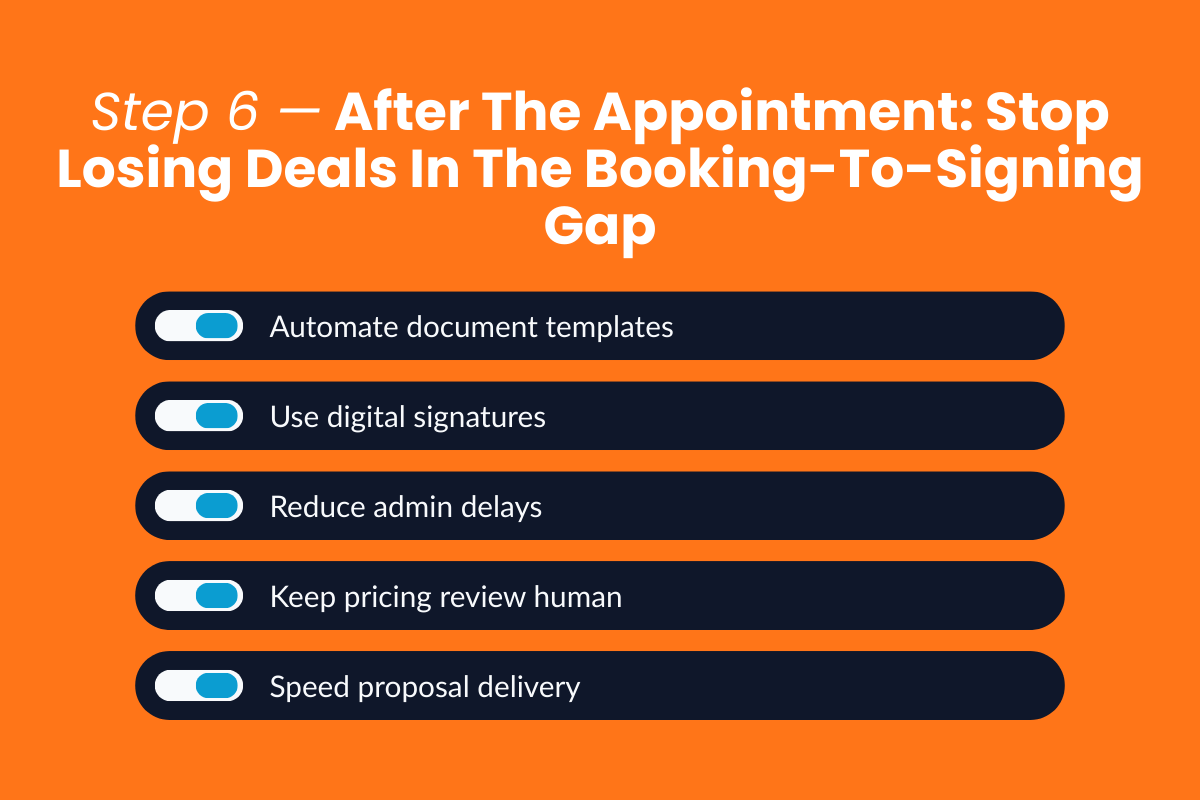
A solar appointment showing up is not the final win, as many deals stall after the consultation due to operational friction.
What To Automate In Documents (And What Still Needs Human Review)
Automation should remove repetition, not judgment.
Automate:
- Auto-fill repeat customer information across forms
- Standardized template field mapping
- Digital signature routing
- License and compliance details, where applicable
This is where Sunbase’s document workflows support structured templates and mapped fields, reducing manual errors and speeding up turnaround.
Keep Human:
- Final pricing review
- Complex system adjustments
- Special financing discussions
- Compliance checks before submission
A smoother path from booking to signing increases close rates without increasing lead volume.
Reducing no-shows improves attendance, and reducing document friction improves conversion. Together, they create a more efficient solar sales process from first appointment to final signature.
What To Track To Know What’s Working (Simple Metrics)
Reducing no-shows should not be guesswork. Track a small set of operational metrics weekly to measure improvement.
- Show Rate / No-Show Rate
Track the percentage of booked solar appointments that actually happen. Break it down by lead source (organic, paid, bought appointments, referrals) to identify patterns. - Reschedule Rate
Measure how often appointments are rescheduled before they occur. A high reschedule rate often signals unclear expectations or poor booking alignment. - Time-To-Proposal
Track how quickly a proposal is delivered after the solar appointment. Delays in proposal turnaround time increase drop-off risk and reduce conversion momentum. - Close Rate Impact
Monitor whether improvements in show rate and time-to-proposal translate into higher close rates. Operational friction, missed appointments, document delays, and unclear handoffs directly affect conversion.
These metrics help you determine whether workflow changes are improving efficiency across your solar sales process.
Conclusion: Reduce No-Shows By Adopting Smarter Systems
Missed solar appointments are rarely caused by a lack of effort. They are caused by weak systems.
To reduce no-shows without adding more follow-up calls:
- Tighten the qualification at the booking stage
- Confirm intent and decision-maker availability
- Set clear expectations before the meeting
- Make add-to-calendar the default
- Follow a simple day-of confirmation playbook
- Remove document friction after the appointment
Each step strengthens the path from booking to signing. Smarter systems lead to fewer no-shows, more efficient sales teams, and stronger close rates across your solar business.
Create A Smoother Path From Booking To Signing
A solar appointment is only the first step; what happens before and after determines whether it converts. Evaluate your qualification process, reminder cadence, and proposal turnaround time. If there are gaps, book a demo with Sunbase today and refine them with our expertise.
FAQs
1. What Does A Solar Appointment Setter Do?
A solar appointment setter qualifies incoming leads and schedules consultations for the sales team. They confirm homeowner interest, verify property ownership, collect basic information, and book a confirmed time for the solar appointment.
2. Why Is My Electric Bill So High If I Have Solar Panels?
Your electric bill may still be high if your system only offsets part of your energy usage, your consumption has increased, or your utility charges fixed fees. Seasonal production changes, shading, or system performance issues can also impact savings.
3. What Is The Solar 120% Rule?
The solar 120% rule is an electrical code guideline that limits how much solar capacity can be connected to an existing electrical panel. It allows the total of the main breaker and solar breaker to equal up to 120% of the panel’s busbar rating under certain conditions, helping ensure system safety and compliance.
4. How Long Does A Solar Appointment Usually Take?
A typical solar appointment lasts between 45 minutes and two hours. It includes reviewing energy usage, assessing roof suitability, discussing system design, and outlining costs and next steps. The duration depends on whether the meeting is virtual or in-person.
One Platform.
Zero Chaos.
Run Your Entire Business in One Platform
Sunbase replaces your CRM, proposals, scheduling, job tracking, and reporting tools — all inside one clean, connected platform.
About Sunbase
The All-In-One Platform to Run Your Entire Business
Sunbase helps you organize operations, streamline daily workflows, and manage everything - from first customer contact to final project deliver- in one connected system.
Our Mission
- Organize your business.
- Optimize your workflow.
- Automate your dailytasks
Why Businesses Choose Sunbase
One Connected Workflow
Replace scattered tools and manual processes with a single platform that brings together your team, tasks, customers, jobs, and performance data.
🌎 Global Presence
Serving the United States, Canada, India, LATAM, Australia, and 10+ international markets.
👥 11,000+ Users
Trusted by contractors, installers, project managers, sales teams, and field technicians.
🏗️ Built for All Sizes
From small contracting teams to fast-growing enterprises, Sunbase adapts to your workflow.
Stop Managing Your Business Manually. Automate It.
Sunbase automates workflows, reduces mistakes, and helps your team get more done - without hiring extra staff or juggling multiple tools.
Still Managing Your Business Across Multiple Tools?
Bring your CRM, proposals, projects, and operations into one platform built for contractors.