
For small contractors, a tailored construction CRM consolidates sales, scheduling, and project documents into one streamlined system. Key features like mobile accessibility and automated bid tracking eliminate duplicate data entry, ensuring you win more jobs and keep crews on schedule.
Here's a question worth sitting with: if your business booked twice the leads next month, could your current systems actually handle it?
For most small construction companies, the honest answer is no, without hiring more office staff, working longer hours, or dropping balls somewhere in the process. That's the real cost of outgrowing manual processes. It's not just lost time today; it's a ceiling on how big the business can get.
A construction CRM software, used correctly, removes that ceiling.
Key Takeaways
- A construction CRM unifies leads, jobs, documents, and client relationships in one platform, replacing the spreadsheets and group texts that quietly leak revenue.
- Five features matter most for small contractors: centralized contact management, project and task tracking, integrated communication, lead and pipeline automation, and construction-specific customizable workflows.
- Construction-specific CRM software beats generic CRM systems because a won bid becomes a live job, not a closed record; the data follows the project from estimate to final invoice.
- Match the tool to your team size: small contractors rarely need enterprise customization, and flat-rate or low per-user pricing usually beats paying for features you'll never open.
Still Mapping Out What a Construction CRM Should Do?
Before you compare vendors, it helps to see how the pieces fit together in practice. Walk through Sunbase's construction CRM software overview to see how lead capture, project tracking, and client communication live in a single workflow no sales pressure, just a clearer picture of what “all-in-one” actually means for a small crew.
5 Essential Construction CRM Features That Help Small Contractors Grow
Every small contractor reaches the same breaking point. The phone won't stop ringing, three estimates are sitting half-finished, a crew is asking where they're supposed to be tomorrow, and somewhere in a notebook or a string of text messages is the answer to "did we ever follow up with that homeowner from last month?"
This isn't a staffing problem. It's a systems problem.
Construction businesses run on information: leads, estimates, schedules, change orders, invoices, and customer conversations. When that information lives across spreadsheets, sticky notes, email threads, and someone's memory, growth doesn't make things easier; it makes things break faster.
A construction CRM exists to solve exactly this. But not every CRM solves it well, and not every "must-have feature" list actually reflects what a small contracting business needs versus what a software vendor wants to sell.
This article walks through exactly which CRM features deliver that kind of leverage, why they matter specifically for construction (not generic sales teams), and how to evaluate software so you invest in capability, not complexity.
Why Small Contractors Outgrow Spreadsheets and Sticky-Note Workflows?
Manual processes don't fail loudly. They fail quietly, one missed callback and one buried estimate at a time, until a contractor realizes the business has hit a ceiling that has nothing to do with demand. Here's where the cracks open most often for small construction companies:
- Leads fall through the cracks: Inquiries arrive from website forms, referrals, phone calls, and social media. Without a single system capturing them, the follow-up depends entirely on whoever happened to answer and on whether they remembered to write it down.
- Admin work eats the billable day: Instead of managing crews and projects, owners spend hours re-typing customer data, rebuilding estimates, and chasing schedules. Manual data entry isn't just slow; it's where errors and duplicate records are born.
- Nobody has real visibility: Ask a small contracting business owner how many active bids they have outstanding, and the honest answer is often "let me check a few places." Without a centralized way to view project progress, decisions get made on gut feeling instead of data. That's fine when there are five projects. It becomes a real liability at twenty or fifty.
- Communication gets trapped: As the team grows, project details get stranded inside individual phones and email threads. The office and the field stop seeing the same picture, and that gap is where disputes and rework start.
- Processes break at volume: A workflow that handles five jobs a month collapses at twenty or fifty. The systems that got a contractor to their first hires are the same ones that strangle the next stage of business growth.
The financial consequence is rarely a single dramatic loss; it's the steady erosion of margin. A CRM for construction exists to stop that erosion by turning ad-hoc habits into repeatable business processes the whole team can see.
Which 5 Construction CRM Features Actually Move the Needle for Small Contractors?
Plenty of articles list CRM features. The list below ties each one to the business problem it solves, because that's the only test that matters when you're spending money you'd rather put toward a new truck. These are the key features small contractors should prioritize in any best construction CRM software shortlist.
Feature #1: Centralized Contact & Client Management That Prevents Lost Revenue
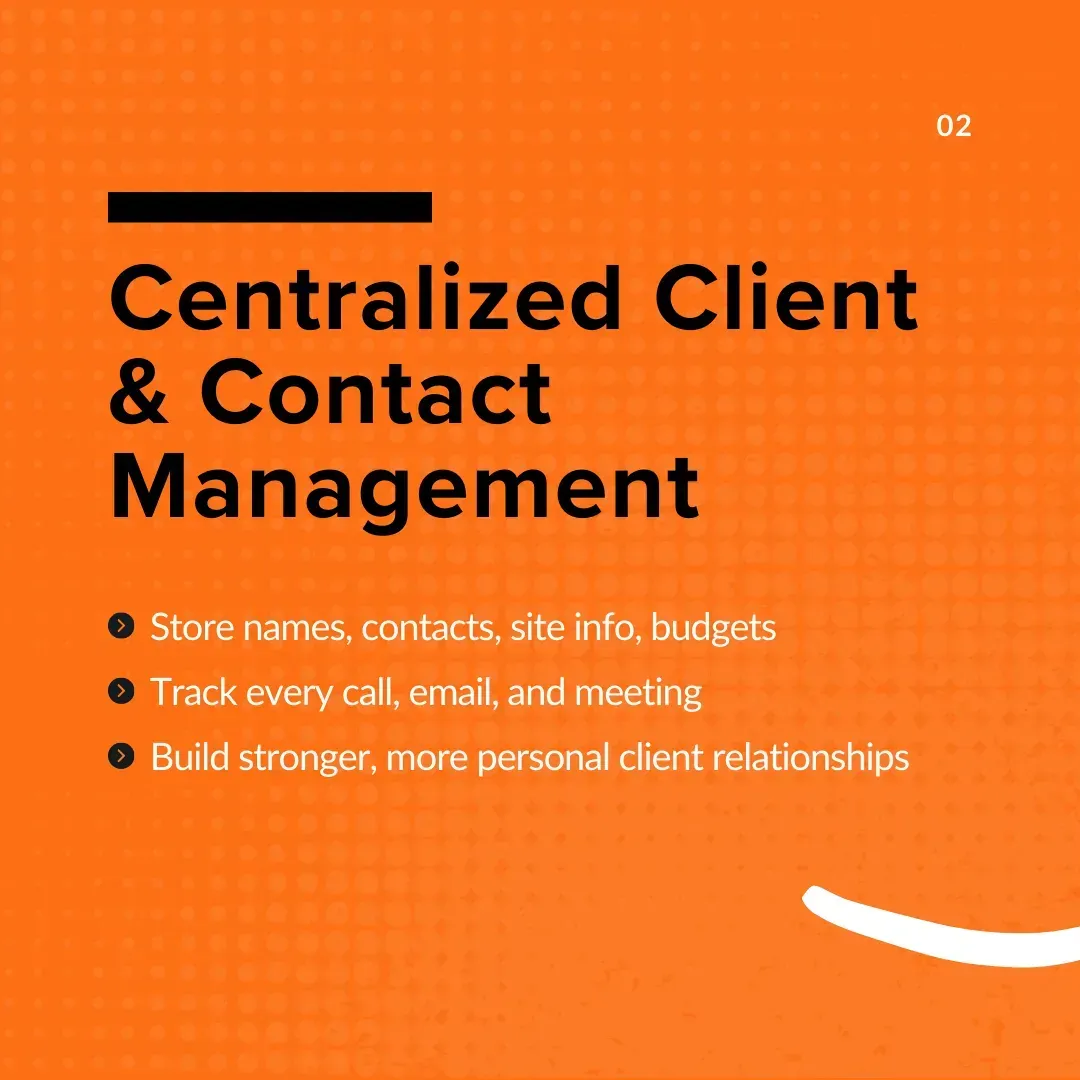
Centralized contact management is the foundation of every effective construction CRM for contractors. It turns scattered client information into a single source of truth your whole team can reach in seconds from the office or the field.
- All client info in one place: Names, phone numbers, emails, site locations, job history, and custom fields like preferred materials or budget range live in one master directory. You pull a client's full profile in seconds instead of digging through spreadsheets.
- Every interaction tracked: Each call, email, meeting, and quote is logged automatically. You can see exactly when a lead was last contacted, what was discussed, and the next step, which means fewer missed follow-ups and clean handovers between team members.
- Stronger client relationships: Clients remember contractors who remember them. A clear record of past projects and preferences lets you personalize every interaction and turn one good job into referrals and repeat work.
Feature #2: Project & Task Tracking That Keeps Every Job on Schedule
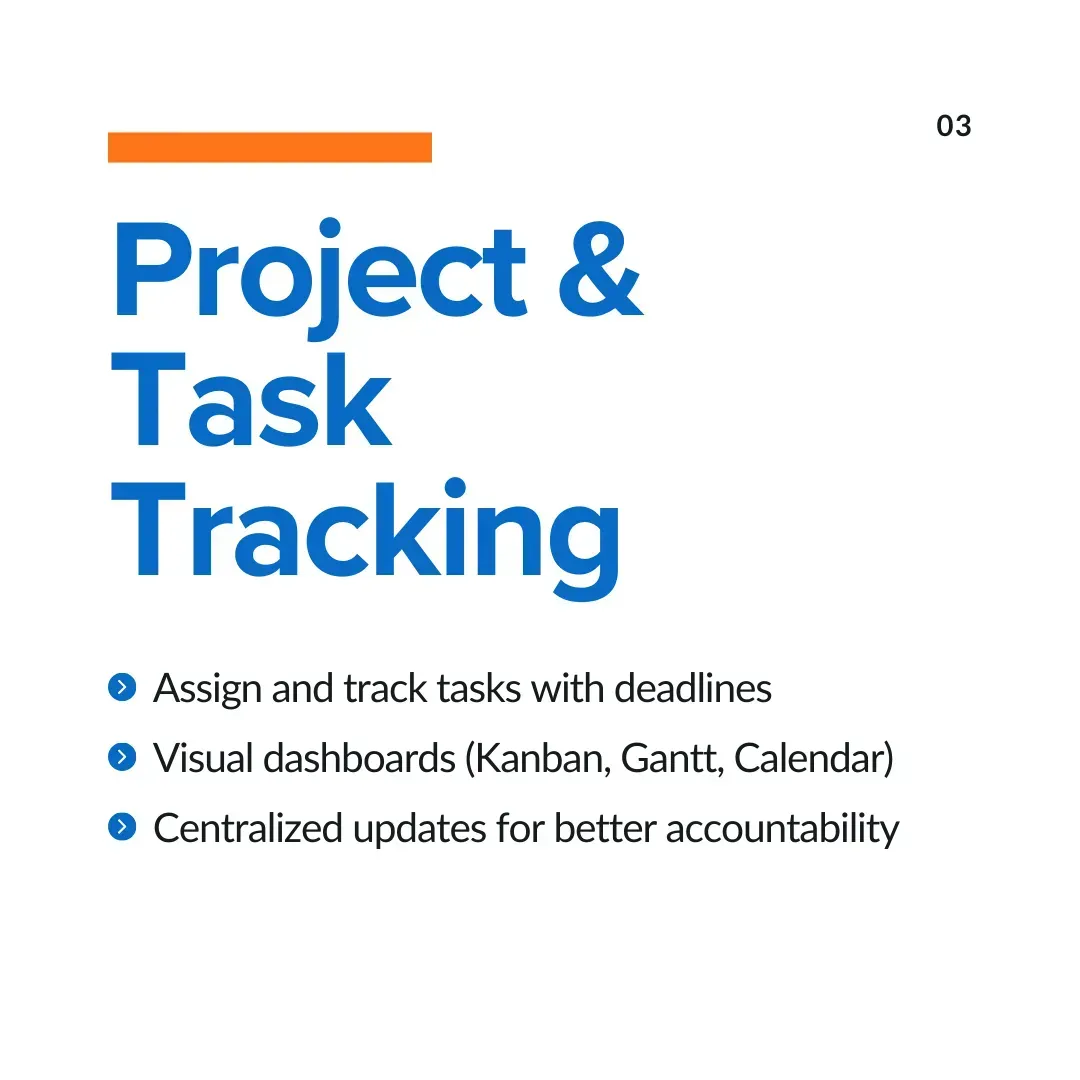
Project and task tracking gives contractors a live view of deadlines, responsibilities, and progress so jobs stay on schedule and on budget instead of drifting until a client calls to ask what happened.
- Monitor multiple jobs at once: Visual dashboards- Gantt charts, Kanban boards, or calendar views show where every project stands at a glance, so nothing quietly slips.
- Assign and track tasks: Assign work to crew members or subcontractors, set due dates, and watch completion in real time. Everyone knows their responsibilities, and accountability stops being a guessing game.
- Centralize project updates: Material deliveries, site issues, and status changes are logged in the construction CRM software instead of scattered across texts and calls so you can check progress even when you're nowhere near the office.
Strong project tracking is also where a CRM starts overlapping with dedicated construction project management software and why an all-in-one platform saves small teams from stitching two systems together.
Feature #3: Integrated Communication Tools That End the Group-Text Chaos
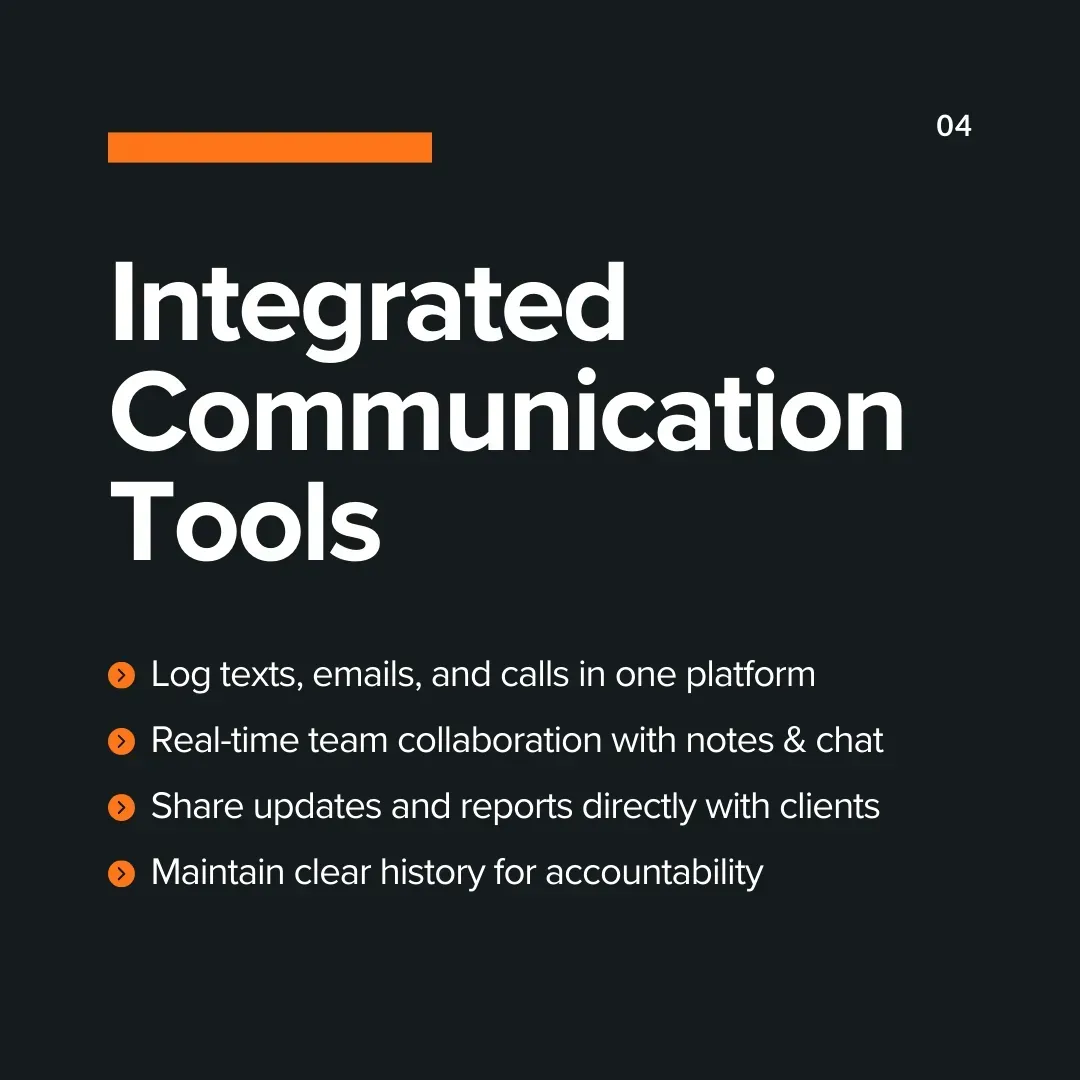
Integrated communication tools keep every message, update, and document attached to the right job, improving collaboration between your team, your subcontractors, and your clients, and protecting you when memories disagree.
- One platform for every conversation: Instead of juggling texts, emails, and calls, the CRM logs each interaction in one place. You can review past decisions and stop repeating yourself.
- Real-time team collaboration: In-app chat, comment threads, and shared notes keep discussion tied to the project it belongs to, not buried in an unrelated inbox.
- Clear client communication: Clients receive updates, photos, and status reports directly from the system, which builds trust and cuts down on “any update?” phone calls.
- A documented record: A complete communication history settles disputes fast: who approved what, and when. That paper trail quietly protects your business.
Feature #4: Lead Management & Sales Pipeline Automation That Closes More Bids
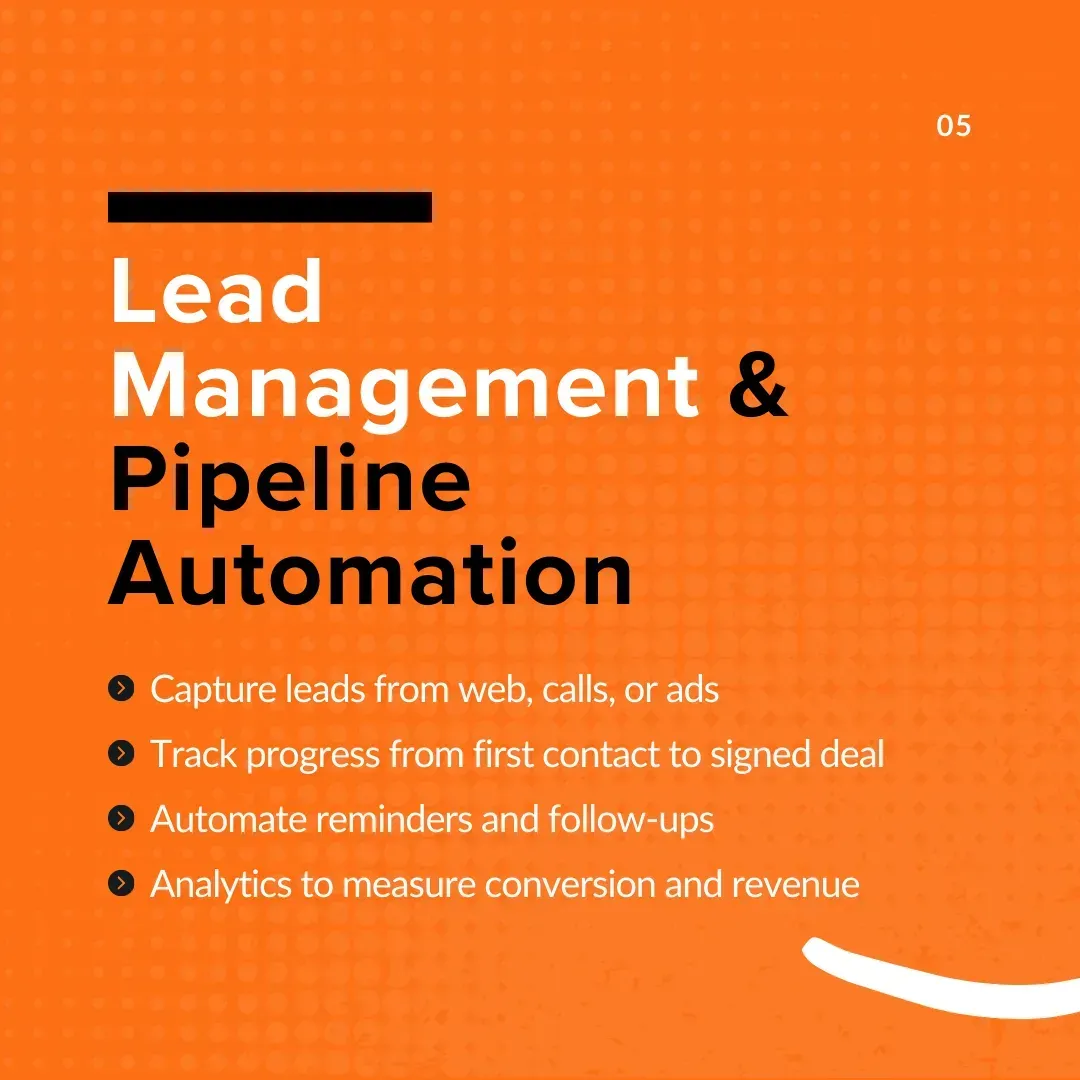
From first contact to signed contract, your sales pipeline should show exactly where every opportunity stands. Lead management and pipeline automation are how small contractors stop letting hot prospects go cold.
- Capture leads from every source: Website forms, phone calls, social media, and ad campaigns all feed into one system, so no inquiry is ever lost.
- Track every stage of the sales process: Pipeline views show which deals are close to signing and which need a nudge, so you can prioritize the bids worth your time.
- Automate follow-ups: Instead of relying on memory, the CRM sends reminders and schedules follow-ups automatically, directly improving lead conversion and sales performance.
- Measure performance over time: Reports on conversion rates, average time-to-close, and pipeline bottlenecks help you refine your sales process and forecast revenue with confidence.
Feature #5: Customizable Workflows Built for the Construction Industry
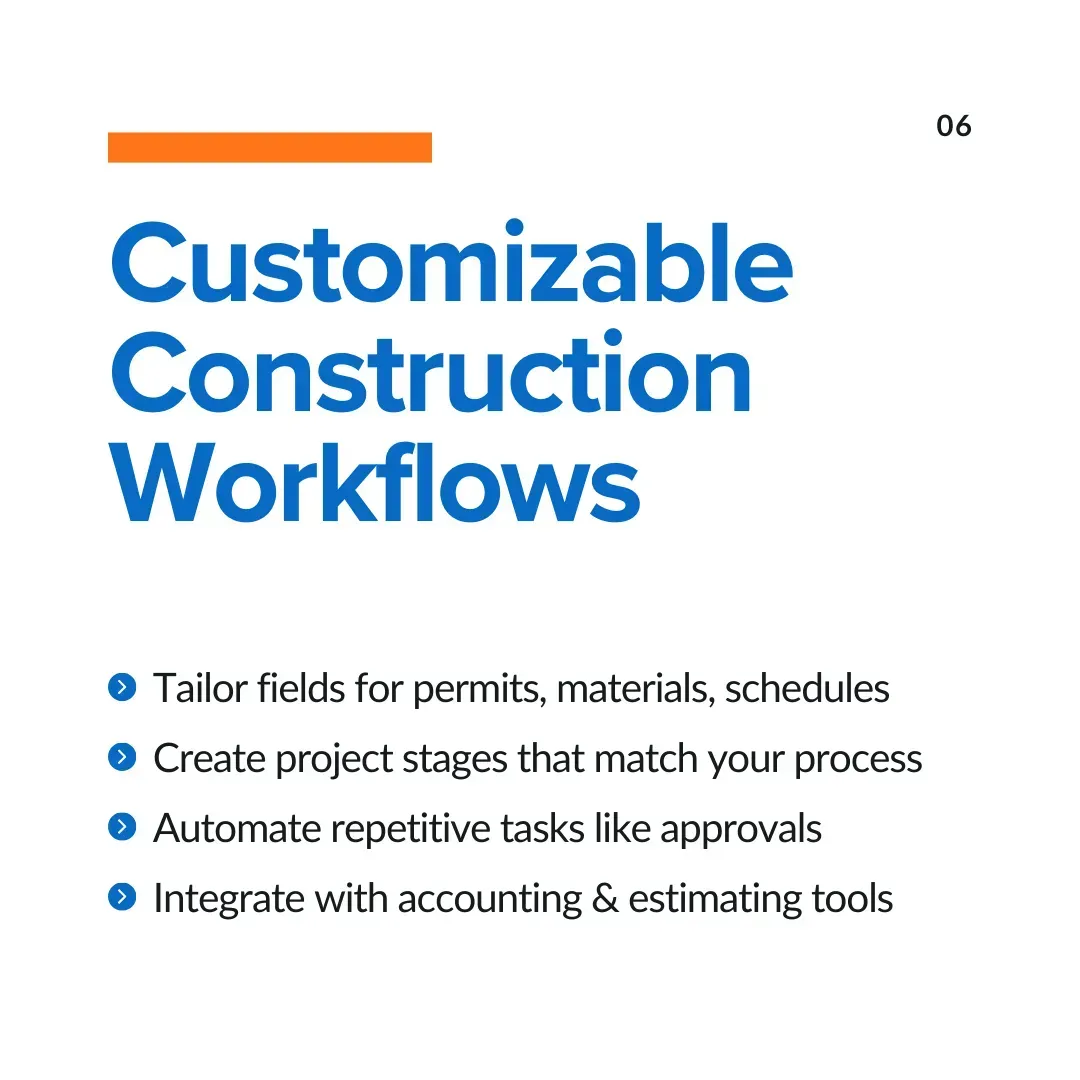
Customizable workflows let the construction CRM bend to how your projects actually run, instead of forcing your crew to work around rigid templates designed for some other industry.
- Tailor fields and forms: Track what construction work demands- site addresses, permit statuses, material orders, equipment schedules with fields that match your jobs.
- Build stages that mirror your process: Replace generic to-do lists with real project stages: bid submission, contract signing, material delivery, final inspection. Progress tracking gets honest.
- Automate repetitive tasks: Trigger actions automatically, like a reminder to order materials once a bid is approved, so work keeps moving without constant manual input.
- Integrate with tools you already use: Strong integration capabilities connect estimating tools, accounting software, and project management systems so data flows without double entry.
Find out how construction technology is helping Irish contractors improve efficiency and productivity.
Quick Comparison: The 5 Features at a Glance
| Feature | Problem It Solves | What "Good" Looks Like |
|---|---|---|
| #1: Centralized Contact & Client Management | Scattered info, buried spreadsheets, and missed follow-ups. | A single directory with auto-logged calls, emails, and full interaction histories accessible anywhere |
| #2: Project & Task Tracking | Delayed timelines, poor accountability, and blind spots on job progress | Live Kanban or Gantt boards with direct task assignments and real-time updates from the field |
| #3: Integrated Communication | Chaotic group texts and lack of proof during client disputes | All team and client messages tied to the job file, creating an airtight, timestamped paper trail |
| #4: Lead & Sales Pipeline Automation | Hot leads going cold and forgotten bids | Automatic lead capture, clear visual sales stages, and instant follow-up reminders |
| #5: Customizable Workflows | Generic software that doesn't fit construction realities | Custom fields for permits or materials, milestones matching actual job phases, and syncing with accounting |
Who Gets the Most Value From Each Construction CRM Feature?
Not every feature matters equally to every role inside a small contracting business. Mapping features to the people using them clarifies what to prioritize during a CRM rollout and helps internal buy-in, since each team member sees a direct benefit rather than "new software to learn."
| Feature | Primary Beneficiary | Day-to-Day Impact |
|---|---|---|
| Lead & Customer Management | Owners, office staff | Faster response to inquiries, full customer relationship history at a glance |
| Sales Pipeline / Bid Tracking | Owners, business development staff | Clear view of sales performance, fewer estimates going cold |
| Scheduling & Project Management | Project managers, crew leads | One source of truth for project tracking and crew assignments |
| Automated Follow-Ups | Office staff, customer-facing roles | Consistent client communication without manual reminders |
| Reporting & Insights | Ownership, decision-makers | Data-backed decisions on business growth and lead sources |
For an owner who also runs estimates, the sales pipeline and reporting features deliver the fastest visible return. For a project manager managing multiple crews across job sites, scheduling and calendar integration matter more immediately.
Understanding this mapping also helps when training a team starting rollout; the feature that solves the most acute pain for the person most resistant to change tends to drive adoption faster than a top-down "use everything" approach.
What Hidden Benefits Do Contractors Gain Beyond the Obvious Features?
The five core features are the reason most contractors buy a CRM. These are the benefits they notice three months in: the ones that quietly compound into real cost savings and ROI.
1. Sharper bid and proposal management
Because the CRM holds a complete record of client preferences, past interactions, and project requirements, your team can tailor each proposal and analyze which bids actually win. Bid management stops being guesswork and becomes a repeatable, improving process.
2. Compliance and risk control
Construction is heavily regulated. A construction CRM keeps permits, licenses, and safety records centralized and retrievable, reducing the risk of costly fines and the scramble when documentation is requested.
3. Data-driven decisions
Strong reporting answers the questions contractors rarely have time to calculate: What's your real win rate? Which client brings the most profitable work? Where are most jobs lost? Those answers let you pursue the right projects instead of the loudest ones.
4. Automation that buys back time
Automated reports, reminders, follow-ups, and invoicing reclaim the billable hours that repetitive administrative work quietly consumes. Teams can handle more projects without immediately increasing headcount.
Which Features Small Contractors Don't Need to Overpay For?
Vendors love selling capability you'll never open. A small construction business should be just as deliberate about what to skip as what to buy. Treat the items below as red flags when they're driving up your price:
| Feature you can usually skip | Why it rarely pays off for a small team |
|---|---|
| Enterprise-grade custom development | Built for 100+ user firms with dedicated IT. For a small crew, it adds cost and complexity with little daily value. |
| Complex multi-branch / multi-location management | Useful for regional operators; overkill if you run one or two crews from one base. |
| Heavy, builder-style workflow engines | Endless configuration screens slow adoption. Small teams need sensible defaults they can use day one. |
| Per-seat pricing at enterprise tiers | $150–$300 per user per month only makes sense at scale. Flat-rate or low per-user plans fit small contractors far better. |
| Add-on modules you'll never log into | If you can't name the workflow it serves this quarter, don't pay for it now; most platforms let you upgrade later |
How to Choose the Right Construction CRM for Your Business?
The best construction CRM for a small contractor is the one that's easy to use, fits the budget, and includes the features you'll touch daily.
When evaluating different solutions, remember that the best construction software should support your entire workflow, from lead management to project execution, rather than solving just one operational challenge.
Score any shortlist against five questions:
- Does it fit how construction businesses actually sell and work? A CRM built for software sales teams will technically have "contact management" and "task management," but won't reflect how construction projects move- site visits, multi-stage estimates, crew scheduling. The right CRM software should speak the language of bids, jobs, and crews, not "deals" and "accounts."
- Can your team actually use it in the field? Test the mobile app before committing. If updating a job from a phone feels clunky, it won't get used, and a CRM that isn't updated in the field provides an incomplete picture in the office.
- Does it connect to what you already use? Confirm integration capabilities with your accounting software specifically. This single factor often determines whether a CRM reduces administrative work or adds a second system to maintain.
- Is the pricing structure honest about what you'll actually need? Ask directly what's included at your tier versus what requires upgrades, and whether custom pricing is available for a business your size. Many vendors built for larger construction firms have entry tiers that still include unnecessary complexity.
- Can you see project status without asking someone? In a demo, ask specifically: "Show me how a project manager would view project progress across five active jobs." If the answer takes multiple screens or clicks, that's a sign the project management platform wasn't designed with daily use in mind.
How Does Sunbase Support the 5 Essential Construction CRM Features?
Many construction CRM platforms offer individual features, but the real value comes from how well those features work together. Sunbase Construction CRM combines lead management, project tracking, client communication, workflow automation, and reporting into a single system designed specifically for construction businesses.
1. Centralizes Customer and Project Information
Sunbase brings customer details, project records, communication history, documents, and job information into a single platform. This gives contractors one source of truth instead of relying on spreadsheets, emails, and scattered notes.
2. Simplifies Lead and Sales Pipeline Management
From the first inquiry to the signed contract, Sunbase helps contractors track leads, monitor bid progress, and manage follow-ups. This makes it easier to identify high-priority opportunities and prevent potential jobs from slipping through the cracks.
3. Keeps Projects and Teams Aligned
With project tracking and task management capabilities, Sunbase helps office staff, project managers, and field teams stay on the same page. Everyone has visibility into project status, responsibilities, and upcoming deadlines.
4. Improves Communication Across Every Stage of the Job
Sunbase keeps client conversations, project updates, and internal discussions organized within the platform. This reduces communication gaps and provides a clear record of decisions, approvals, and project changes.
5. Automates Repetitive Administrative Tasks
Routine activities such as follow-up reminders, status updates, and workflow actions can be automated, helping contractors spend less time on administration and more time managing projects and growing the business.
6. Provides Reporting That Supports Better Decisions
Sunbase gives contractors access to business insights such as lead performance, project progress, conversion rates, and revenue trends. These insights help business owners make informed decisions based on data rather than assumptions.
7. Integrates With Existing Construction Workflows
Rather than forcing contractors to change how they operate, Sunbase is designed to fit construction-specific workflows, helping teams manage projects, customers, and operations within a system built for the industry.
Conclusion
Lead and customer management, sales pipeline tracking, project management, automated follow-ups, and clear reporting form the core of what genuinely moves a small operation forward.
Layered on top, capabilities like document management, mobile access, and integration with existing accounting software quietly remove the administrative friction that otherwise limits how much a business can grow without adding headcount.
The businesses that benefit most from a CRM solution aren't necessarily the largest ones; they're the ones that recognize, before the cracks become costly, that manual processes have a ceiling.
Evaluating a CRM through the lens of your own bottlenecks, rather than a generic feature list, is what separates a software purchase that gets used from one that quietly gets abandoned within a few months.
Schedule A guided walkthrough focused on your team's size, current tools, and business processes will show far more than a generic feature demo and provide a concrete basis for comparing CRM vendor options.
FAQs
Should I choose a construction-specific CRM or a generic CRM platform?
For most contractors, a construction-specific CRM such as Sunbase Construction CRM is the better choice because it aligns with industry workflows such as bidding, estimating, scheduling, project tracking, and job-site coordination. Generic CRM platforms often require significant customization to support construction processes.
When should a contractor invest in a construction CRM?
A contractor should consider a CRM when leads start slipping through the cracks, project information becomes difficult to track, or growth begins creating operational bottlenecks. If your business relies heavily on spreadsheets, sticky notes, text messages, or memory to manage customer relationships, a CRM can provide immediate value.
How much does construction CRM software typically cost?
Pricing varies widely based on team size and feature tier, and many CRM vendors offer custom pricing for small teams. Rather than comparing sticker prices alone, evaluate cost against time saved on manual data entry and lost-lead prevention; the return often outweighs the monthly fee within the first few recovered jobs.
Can a construction CRM replace my accounting software?
No, and it shouldn't try to. A construction CRM works best alongside accounting software, with integration capabilities that sync customer data, invoices, and job costing information between the two systems, removing duplicate entry rather than replacing financial tools.
Do I need a CRM if I'm a very small contractor with just a few jobs a month?
If leads, estimates, and project details are still manageable in a notebook or spreadsheet without anything slipping through, a CRM may be premature. But most contractors find that the volume where manual tracking starts failing is lower than expected, often well before twenty jobs a month, and adopting a system early avoids a harder transition later.
What mistakes should contractors avoid when choosing a construction CRM?
Common mistakes include selecting software based solely on price, paying for enterprise-level features that won't be used, ignoring mobile usability, overlooking integration capabilities, and choosing a system that is too complex for the team to adopt consistently.
One Platform.
Zero Chaos.
Run Your Entire Business in One Platform
Sunbase replaces your CRM, proposals, scheduling, job tracking, and reporting tools — all inside one clean, connected platform.
About Sunbase
The All-In-One Platform to Run Your Entire Business
Sunbase helps you organize operations, streamline daily workflows, and manage everything - from first customer contact to final project deliver- in one connected system.
Our Mission
- Organize your business.
- Optimize your workflow.
- Automate your dailytasks
Why Businesses Choose Sunbase
One Connected Workflow
Replace scattered tools and manual processes with a single platform that brings together your team, tasks, customers, jobs, and performance data.
🌎 Global Presence
Serving the United States, Canada, India, LATAM, Australia, and 10+ international markets.
👥 11,000+ Users
Trusted by contractors, installers, project managers, sales teams, and field technicians.
🏗️ Built for All Sizes
From small contracting teams to fast-growing enterprises, Sunbase adapts to your workflow.
Stop Managing Your Business Manually. Automate It.
Sunbase automates workflows, reduces mistakes, and helps your team get more done - without hiring extra staff or juggling multiple tools.
Still Managing Your Business Across Multiple Tools?
Bring your CRM, proposals, projects, and operations into one platform built for contractors.